


Everything Durata does.
Nothing left to guess.
How every screen in Durata works, from your first logged set to a full program running on automatic progression. Including the shortcuts most lifters never find.
The app screen by screen
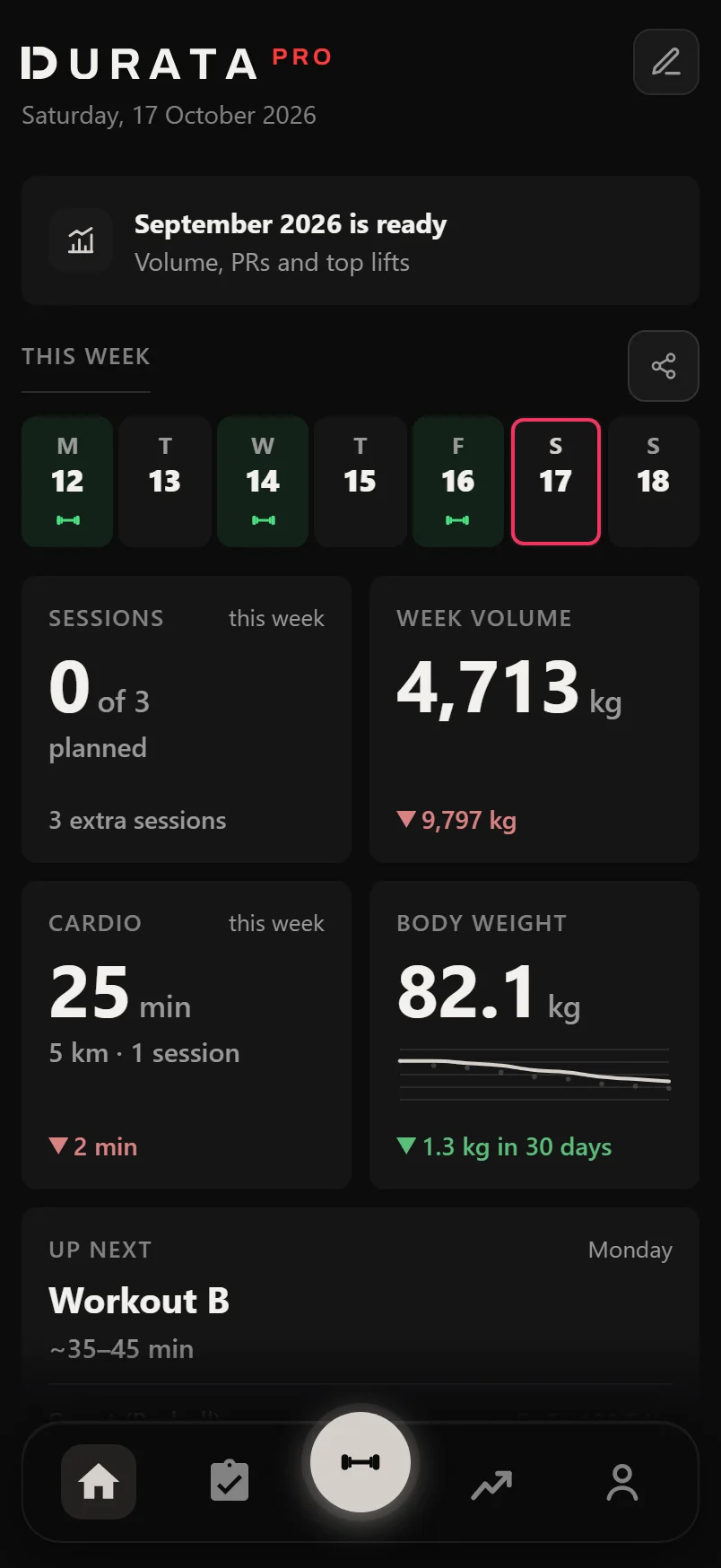 Getting started with Durata
Install the app, create your account, bring your training history and find your way around.
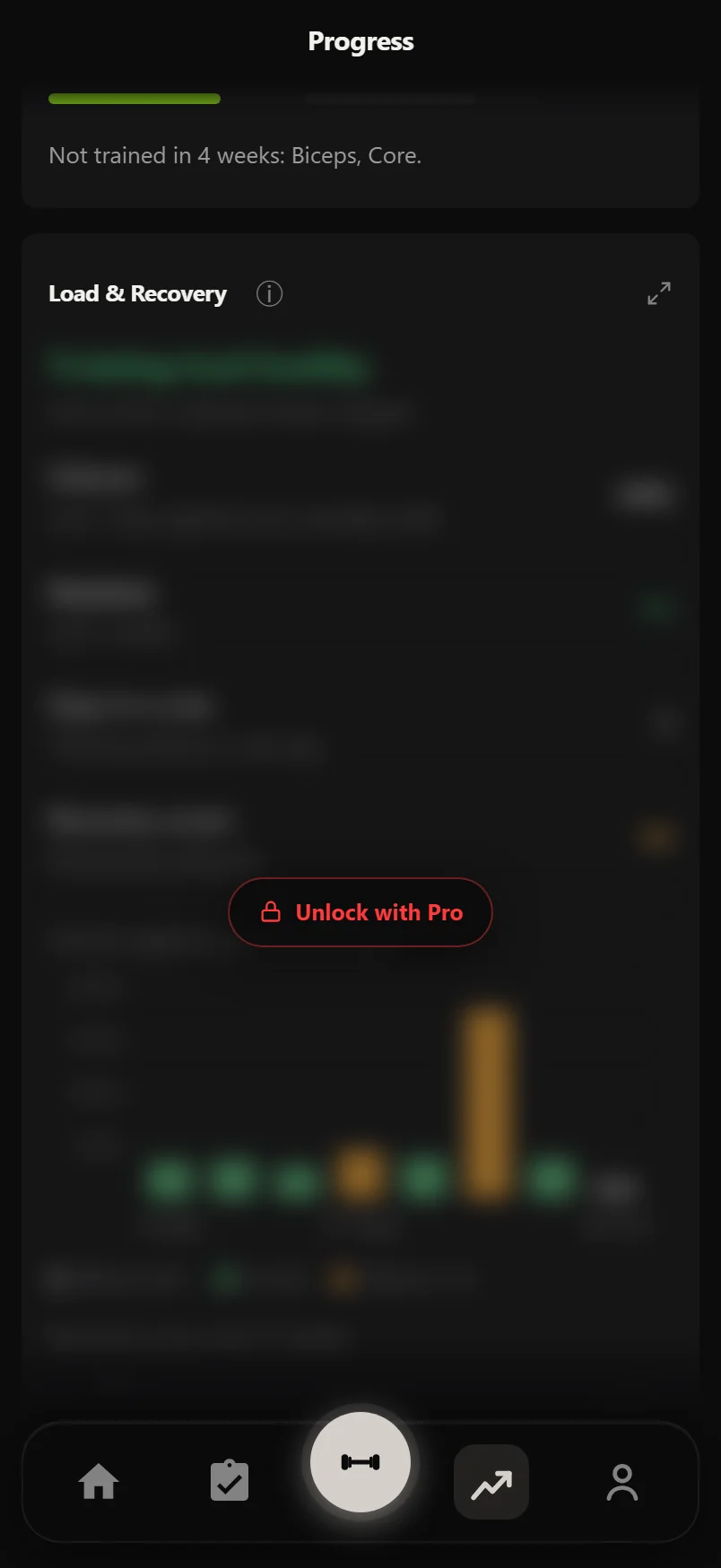 Free and Pro
What is free for good, what Pro adds, what it costs, and how to spot a Pro feature in the app.
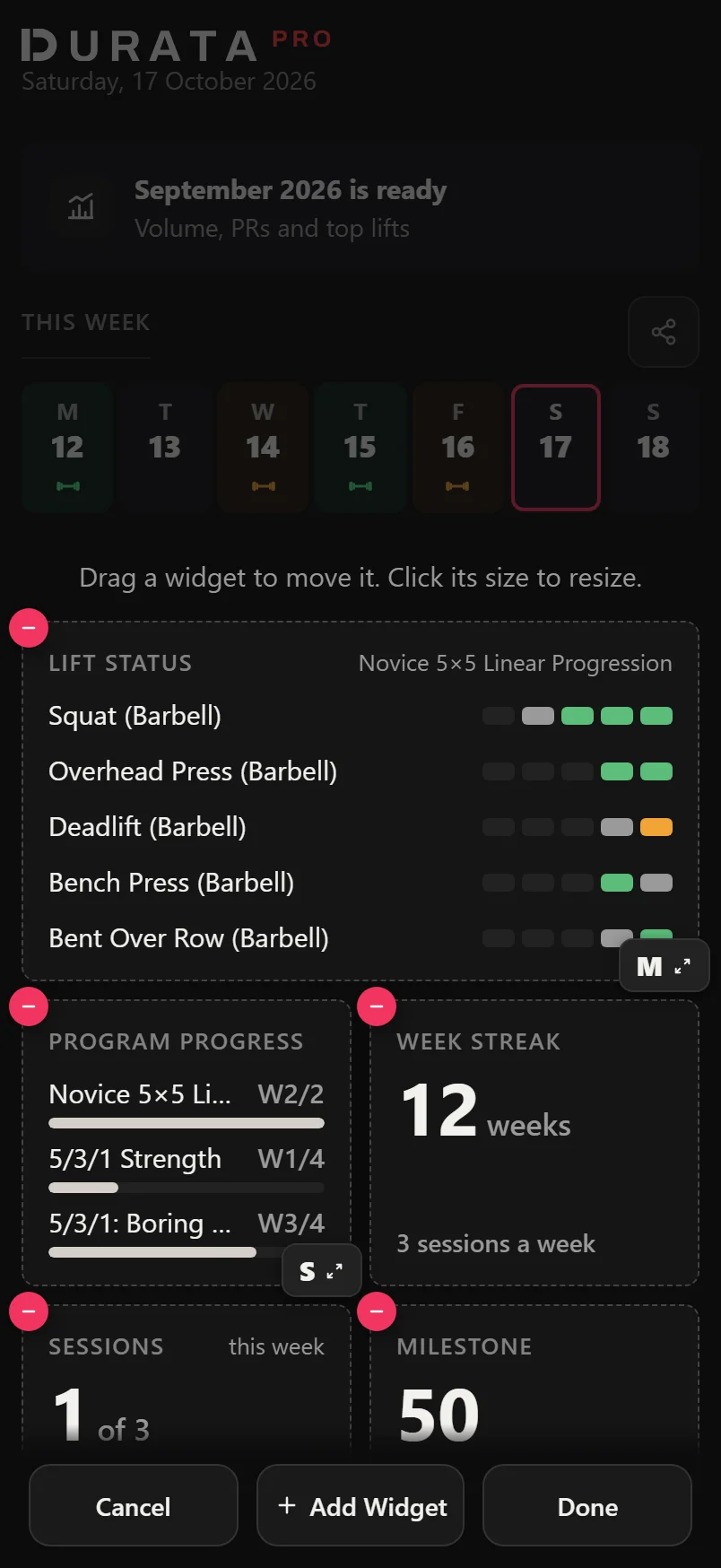 Home widgets: what's on the board and how to change it
What every Home widget shows, when it appears, and how to move, resize and add widgets with Customize Home.
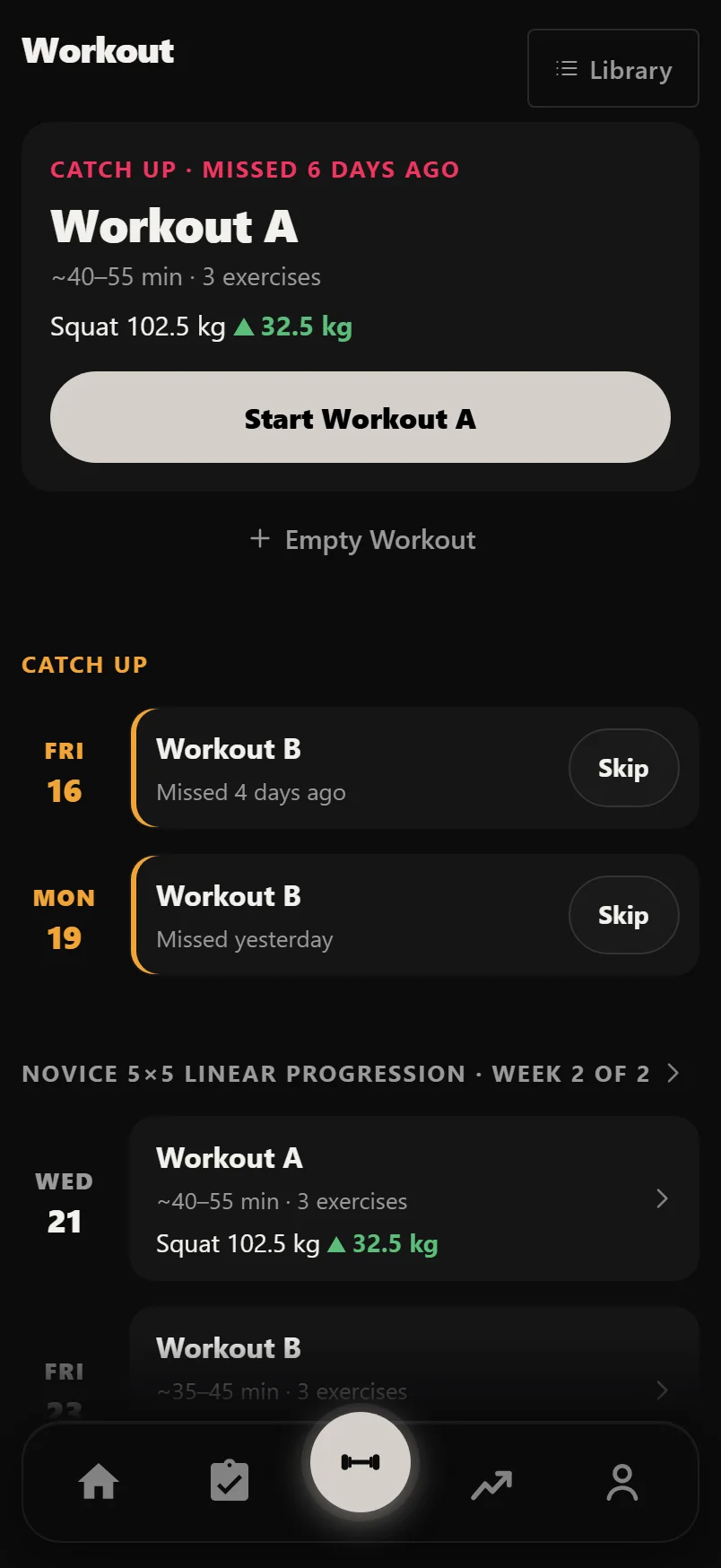 The Workout tab
Today's session ready to start, missed sessions to catch up or skip, the week ahead, and your own sessions.
 Logging workouts
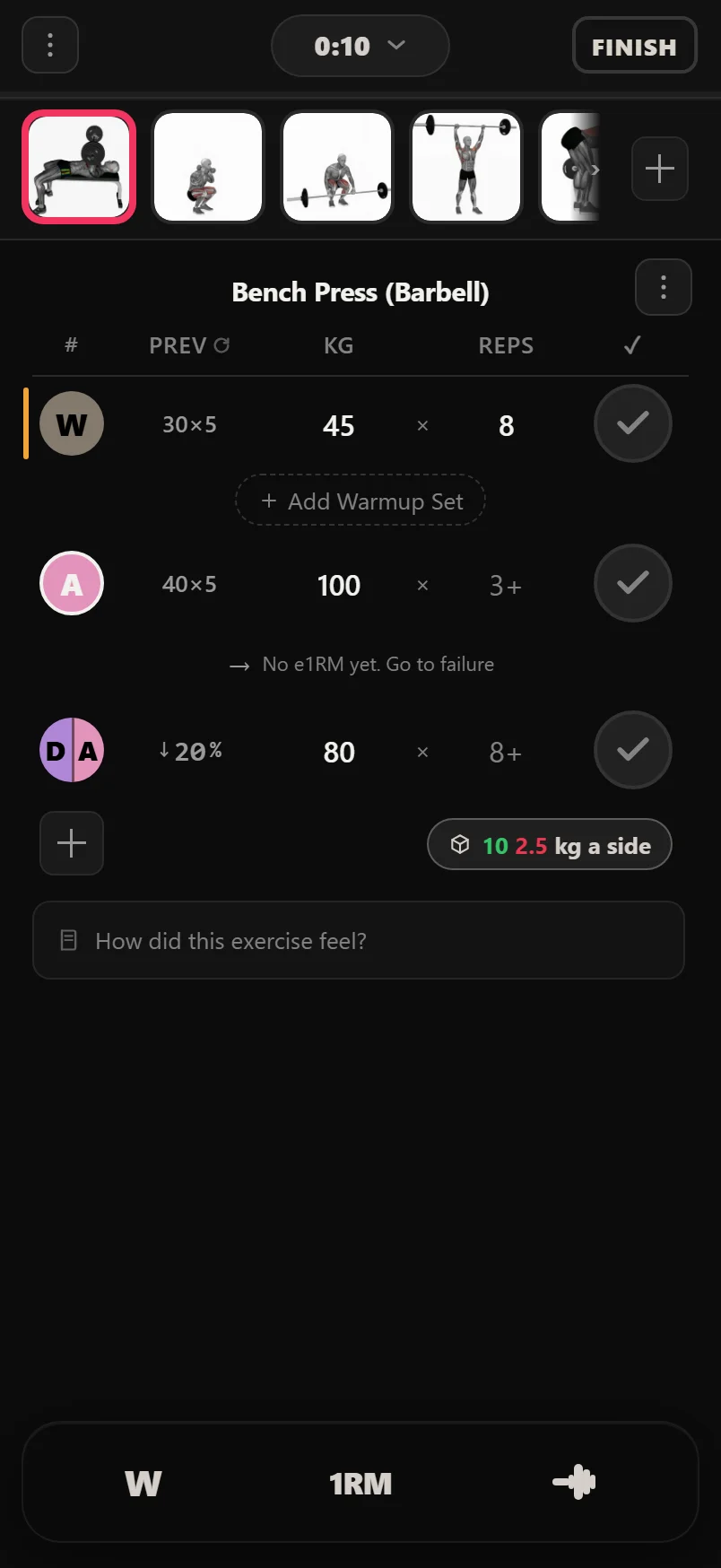
The exercise carousel, set types and Minisets, auto-fill, supersets, record moments and the finish screen.
 Workout tools
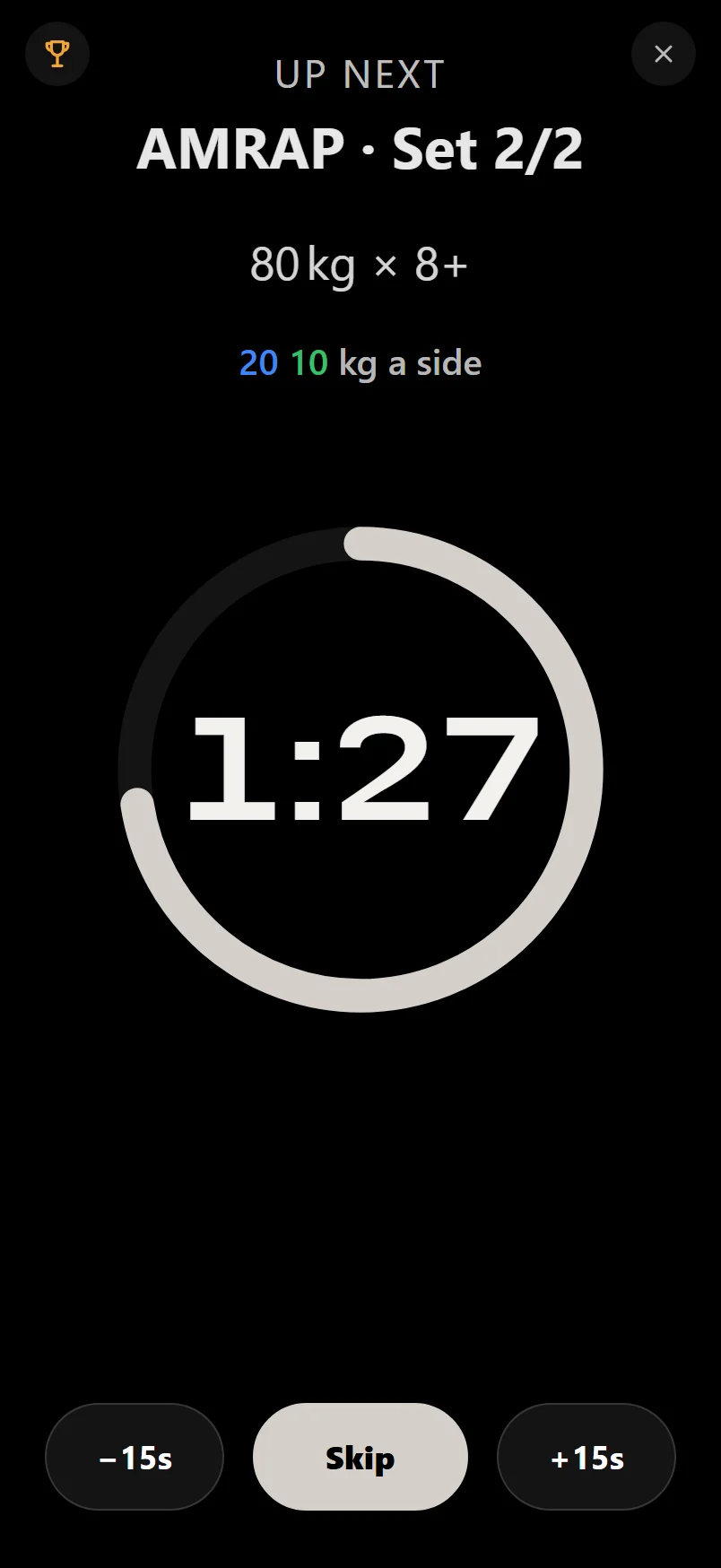
The rest timer, the warmup, rep-max and plate calculators, the tool tray and tempo.
 Records and celebrations
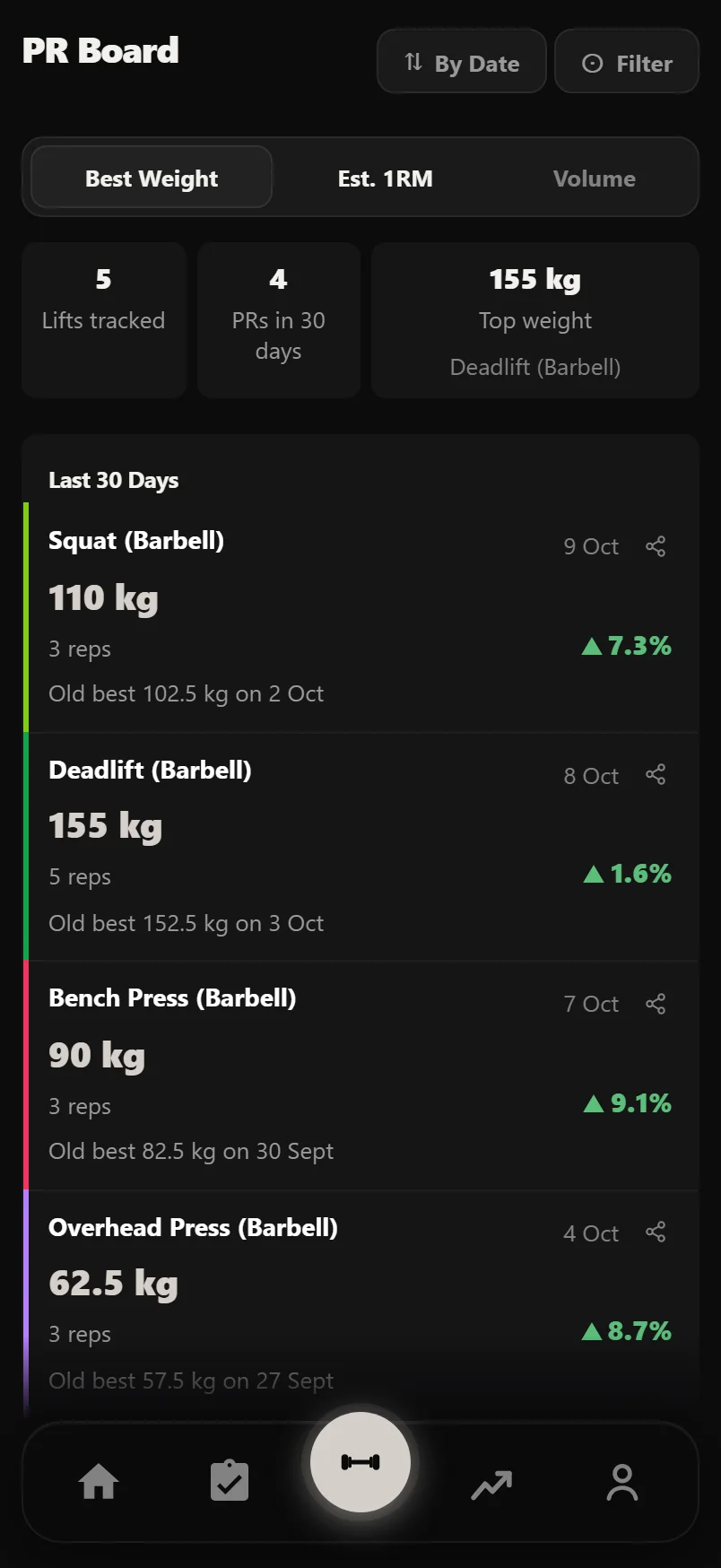
Record moments mid-workout, the finish screen's eighteen celebrations, replaying a finished session, and how to turn any of it down.
Pro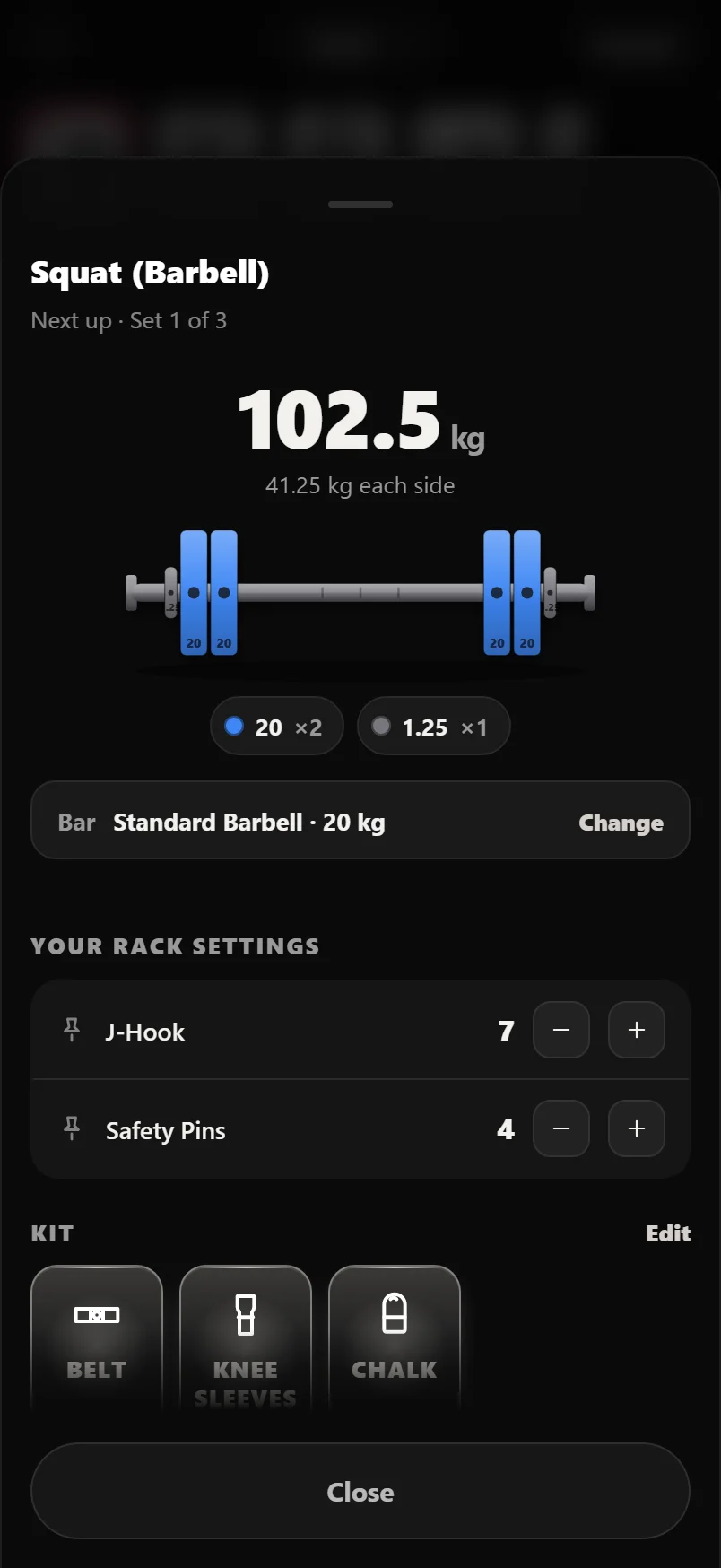 Setup Next: plate maths and saved machine settings
The equipment sheet: plate maths for every bar, pin numbers for every stack, pulley heights, saved rack and machine positions, kit, and a rest screen that does the sums for you.
Pro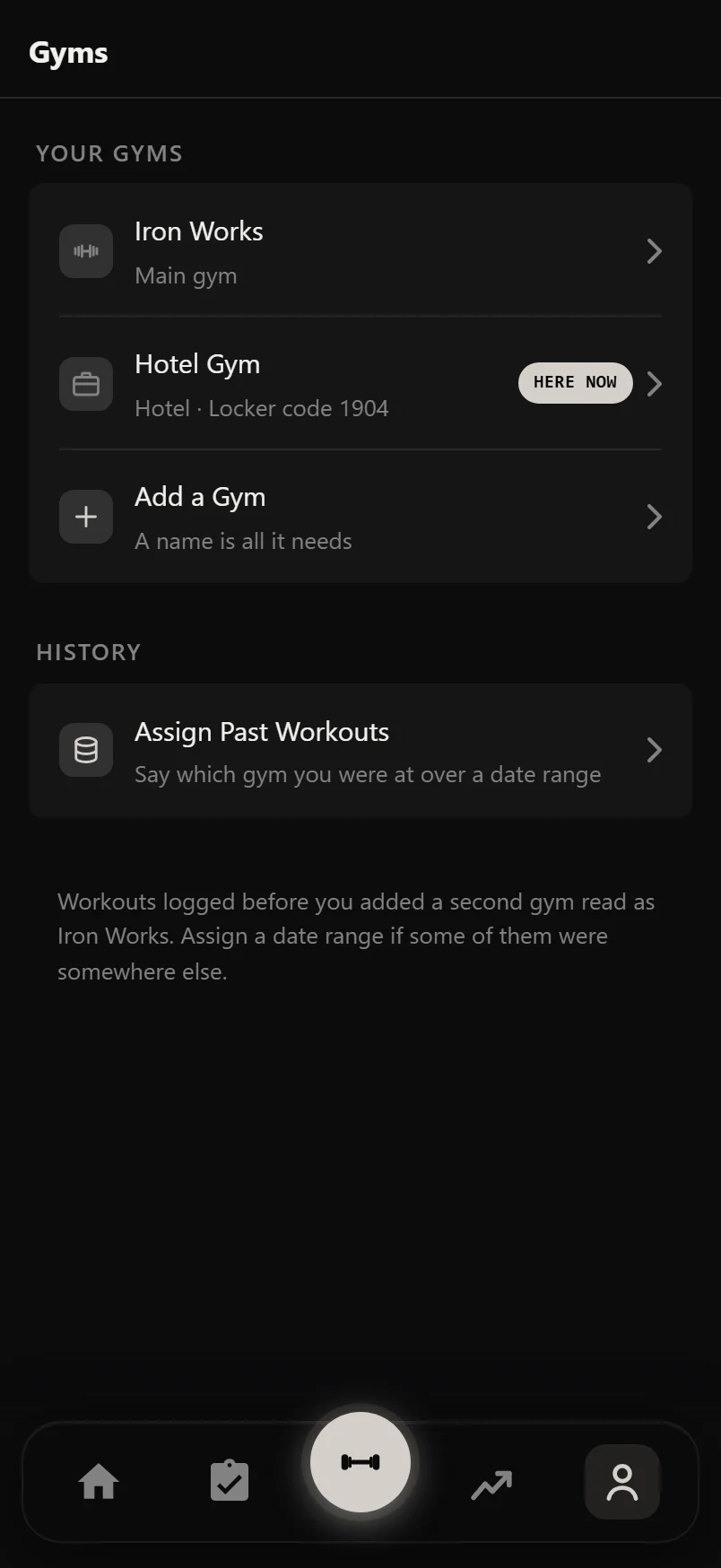 Gyms: training in more than one place
One tap says where you are, and the app follows: plates, pins, dumbbells, warmup steps, and records that know which gym you set them at.
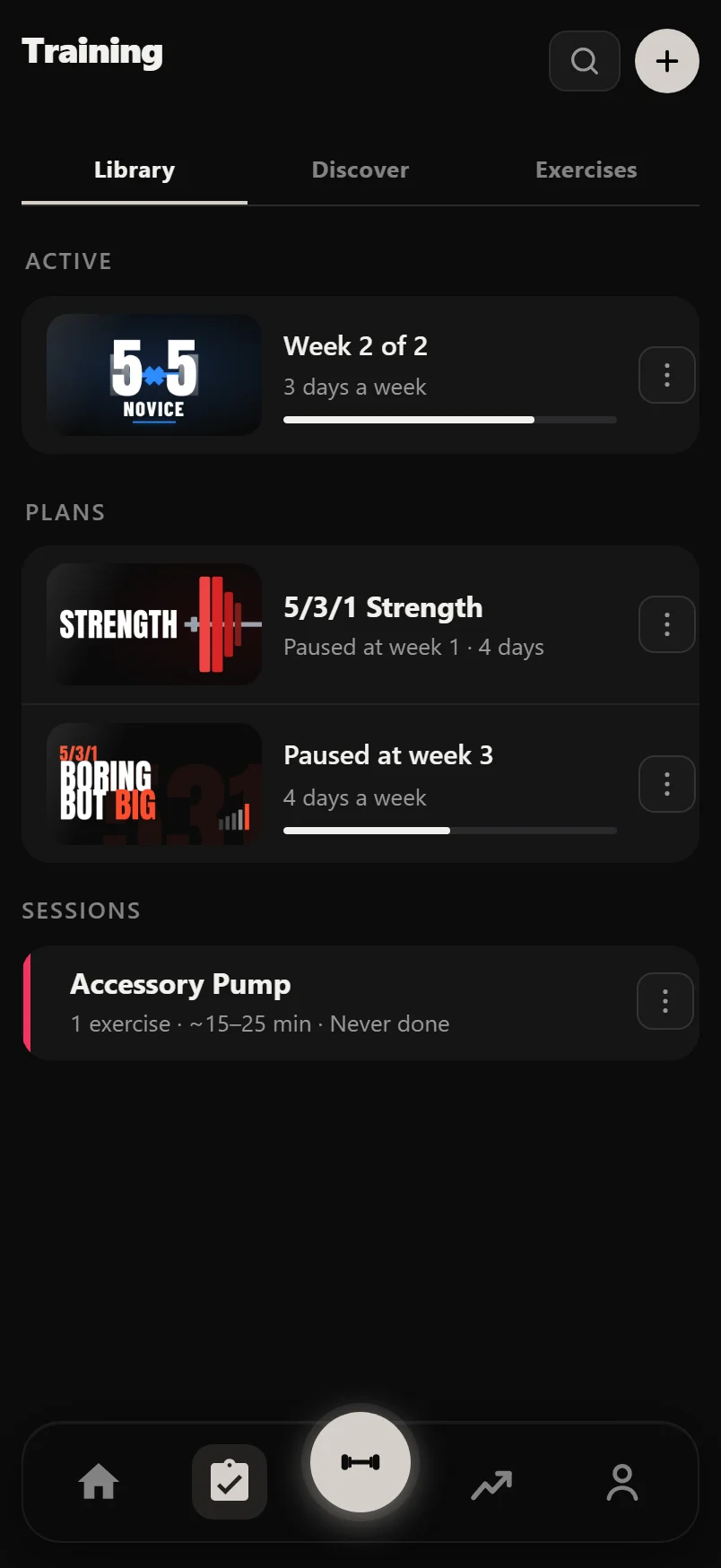 Plans and sessions
Pick a proven program, let Durata work out every session's weights, or build your own plan from scratch.
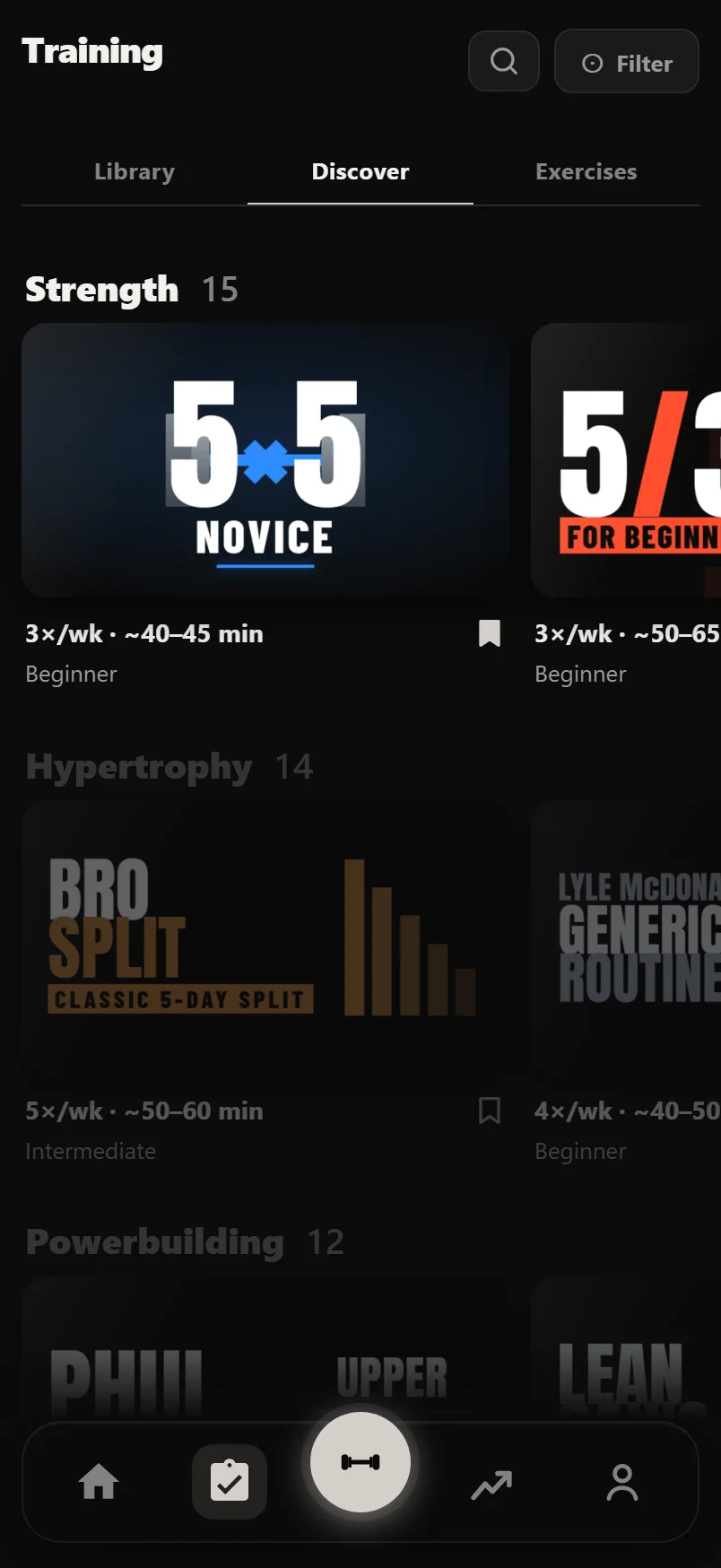 Discover and program pages
Browse the program shelves, take a quick look at any program, and read its page before you start: your week, the block, and where it takes you.
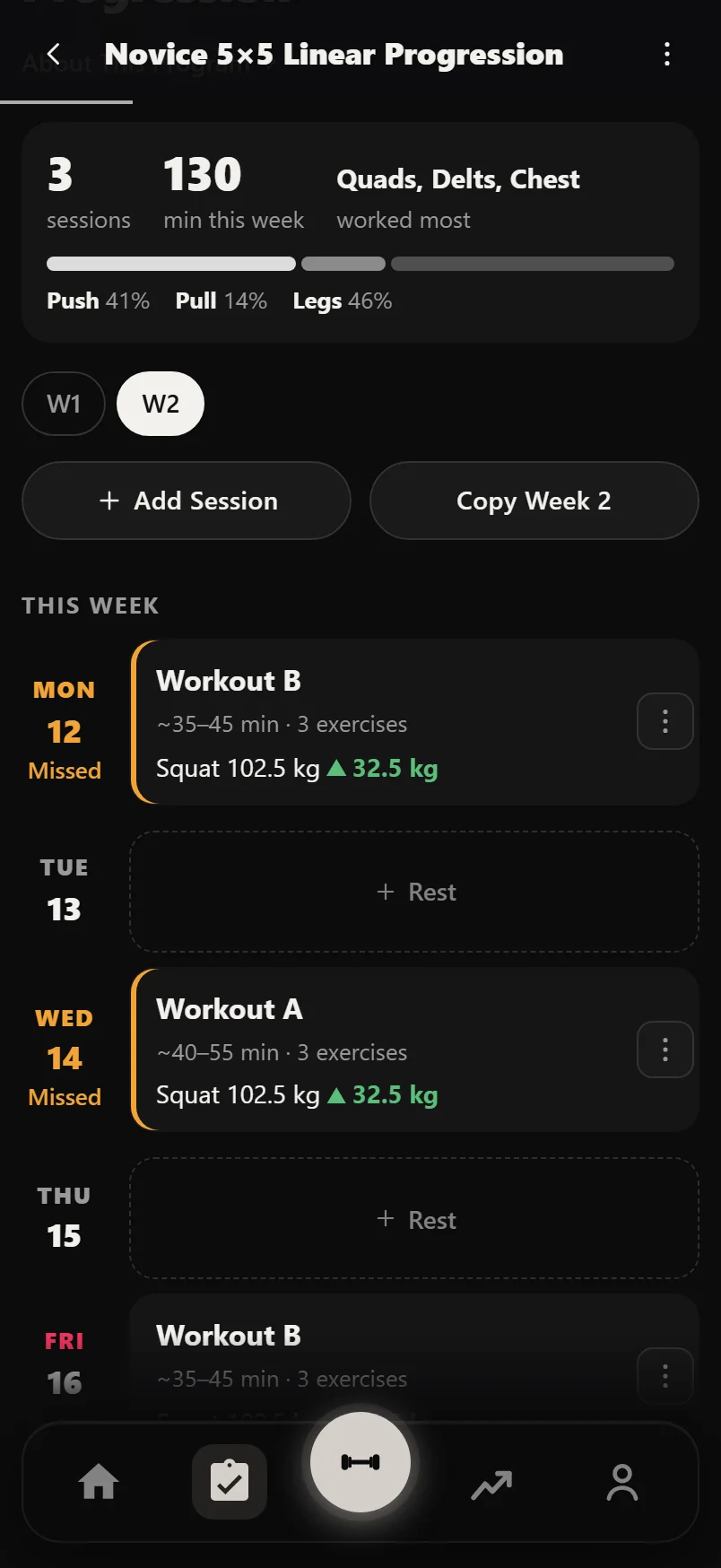 The planner
The screen a running plan opens on: this week's sessions on their days, what to move, and every setting for the plan in one place.
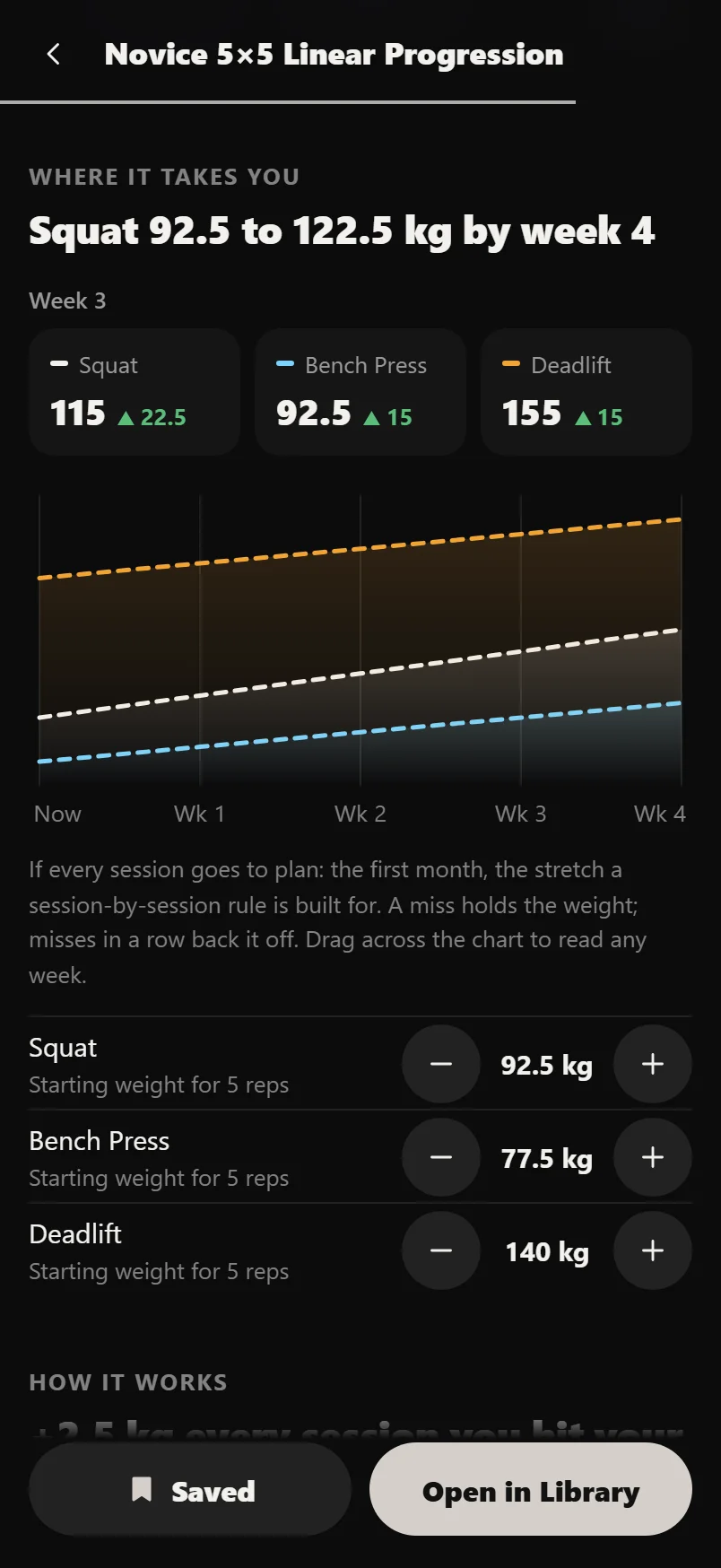 Starting a program: training maxes and schedule
The short setup a program runs when you start it: training maxes, starting weights and a start date, explained so nothing catches you out.
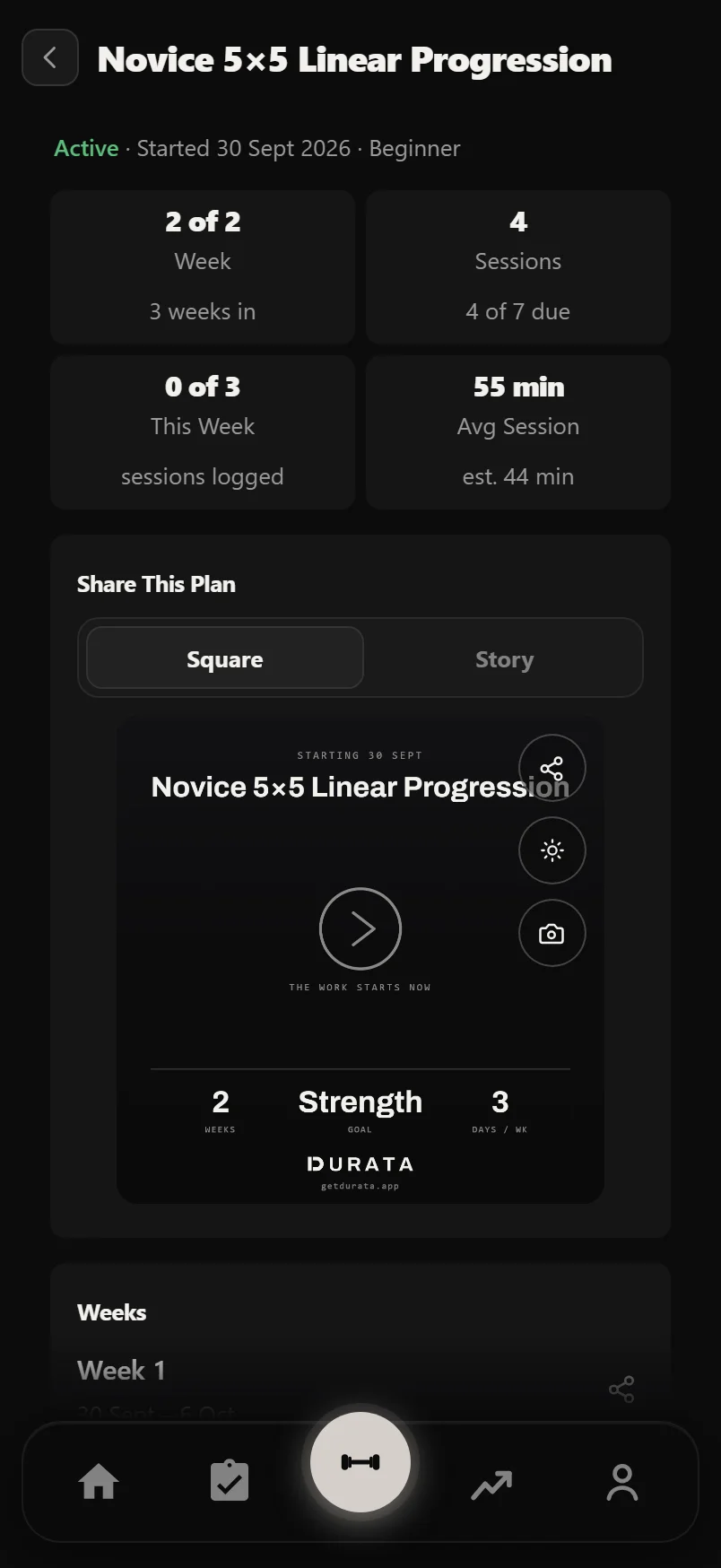 When a week, cycle or plan ends
Week Complete, the training max review at the end of a cycle, Plan Complete, the Report Card and what to run next.
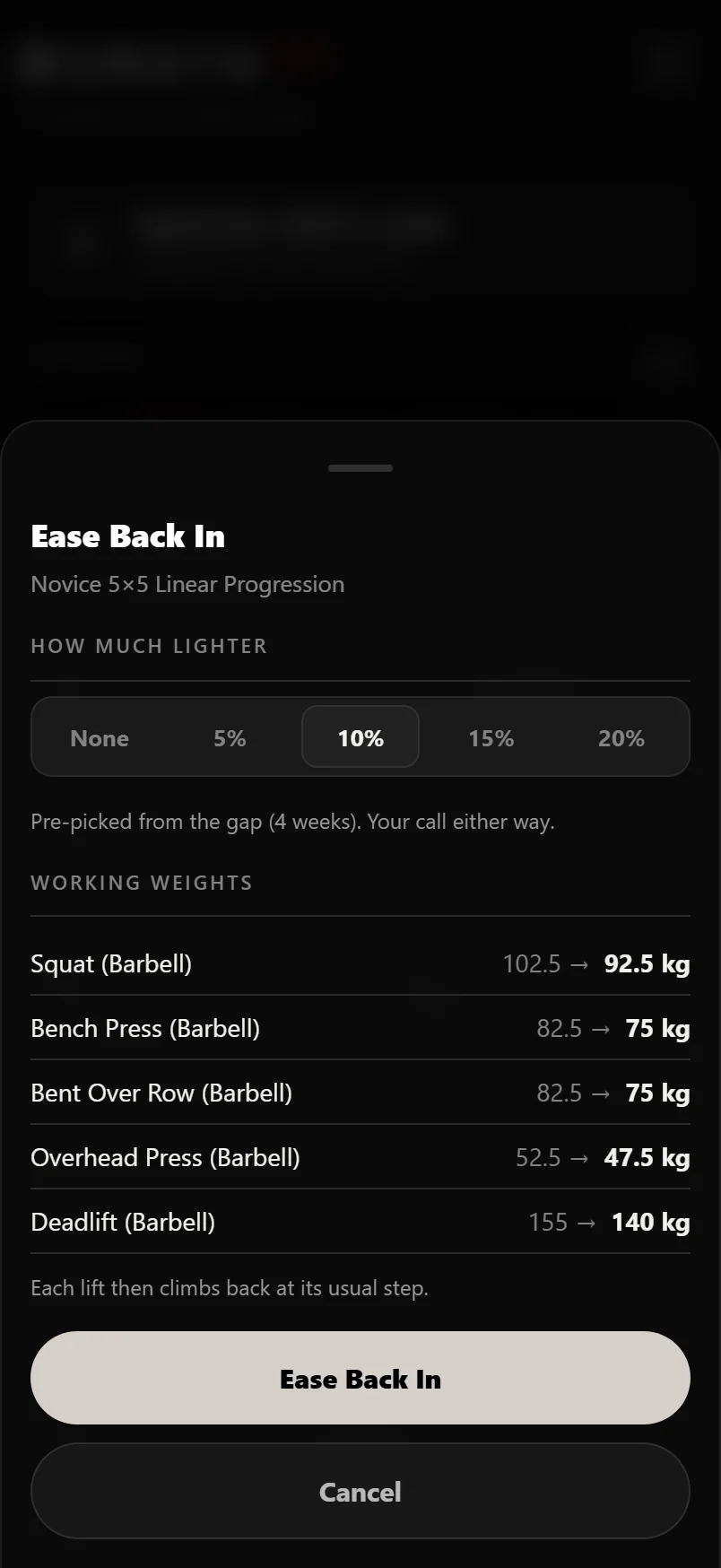 Coming back after a break
Two weeks or more off? Durata offers lighter weights and a place to pick up, so your first sessions back are the right weight.
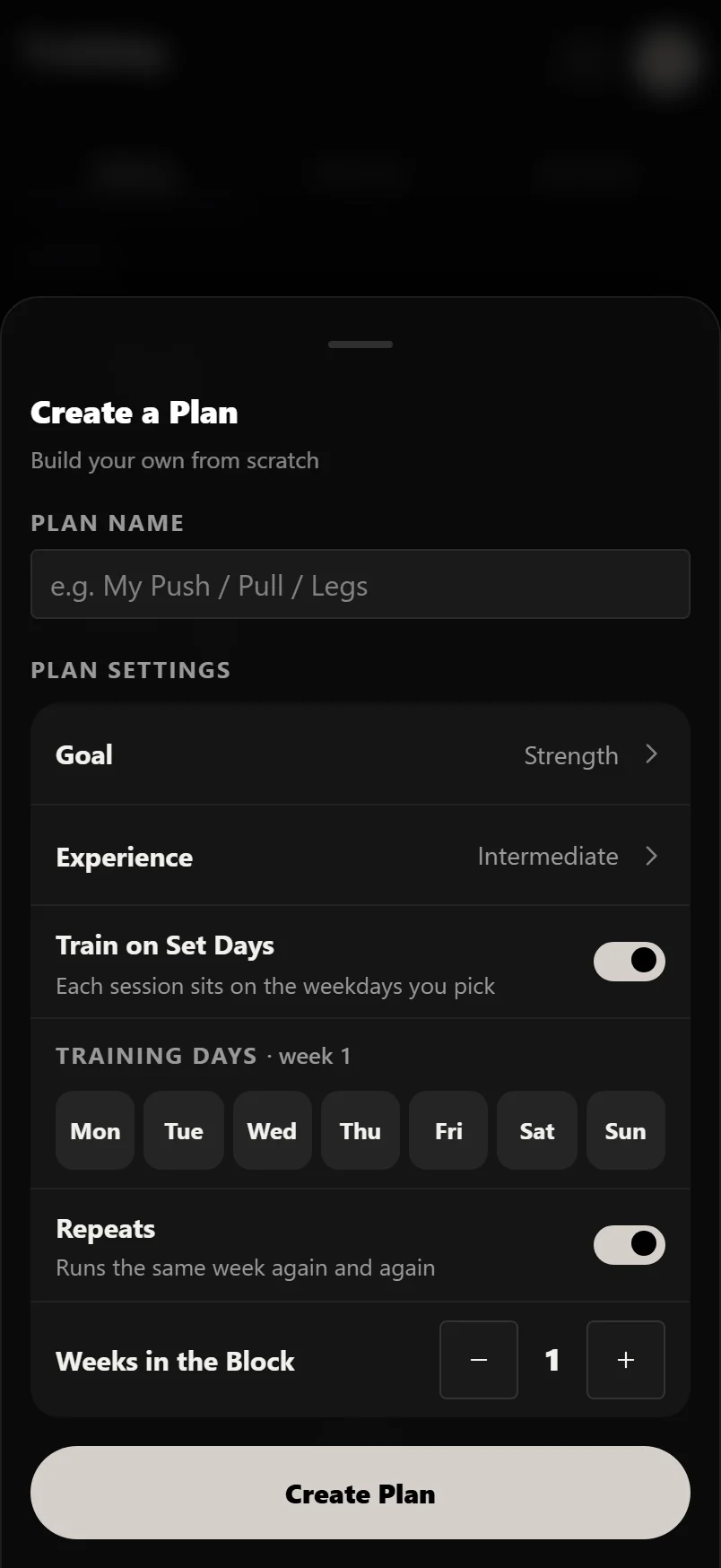 Build your own program
Design a training plan from scratch: your days, your exercises, with automatic progression built in, then run it like any built-in program.
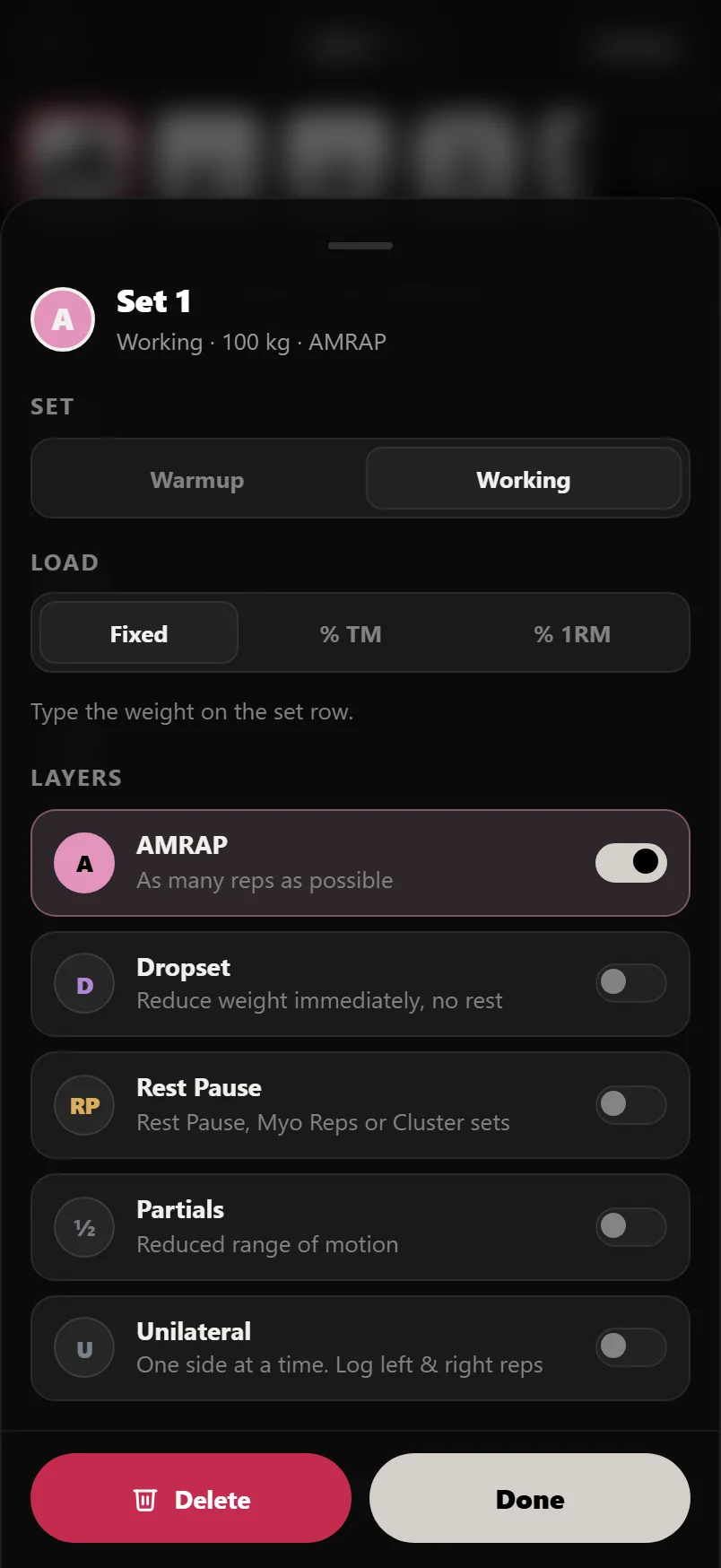 Building a session
Make one workout the way you want it: exercises, sets and reps, warmups, loads, Dropsets, Minisets, supersets, rest and tempo.
Pro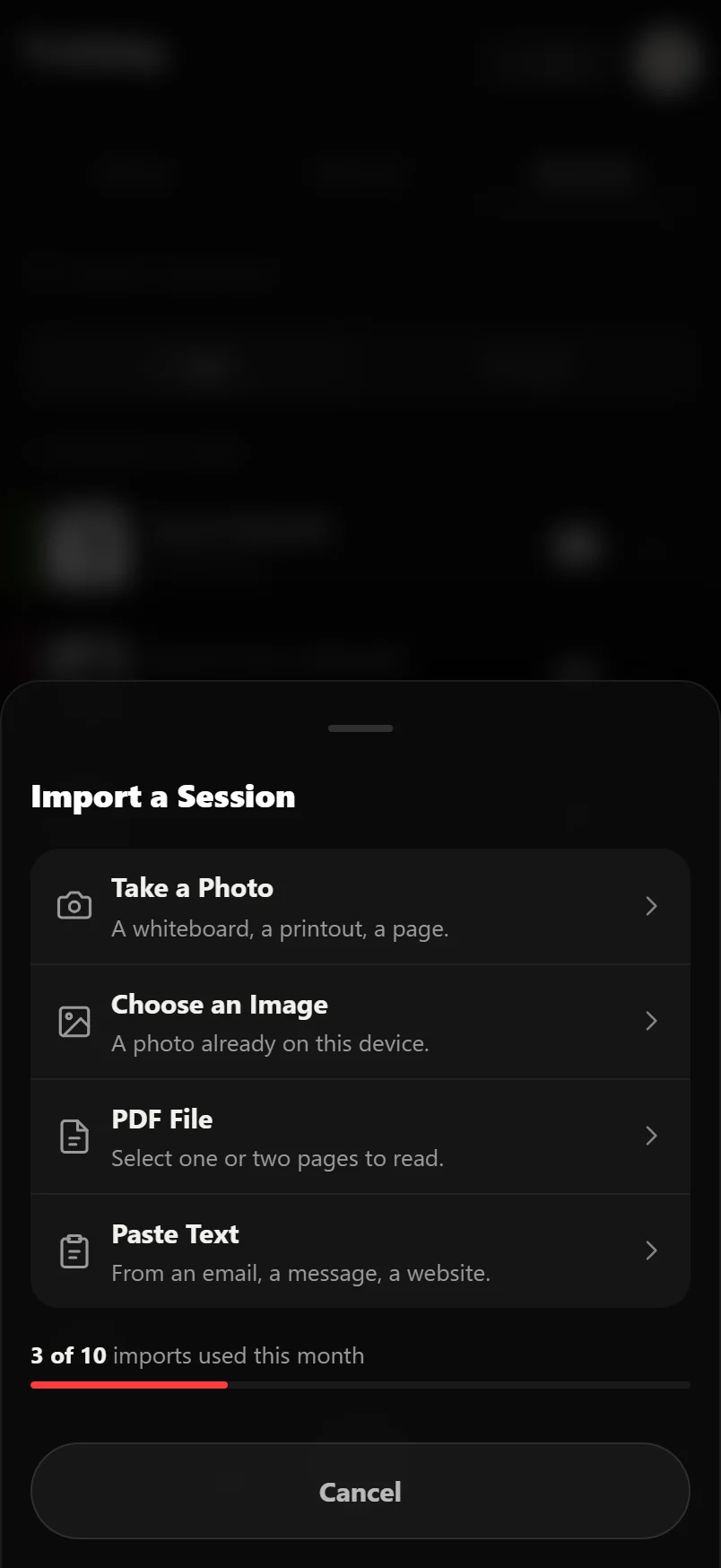 Import a Session From a Photo
Photograph a whiteboard, pick the page of a PDF that holds the session, or paste a message from your coach. Durata reads one workout out of it, and nothing is added until you have checked it.
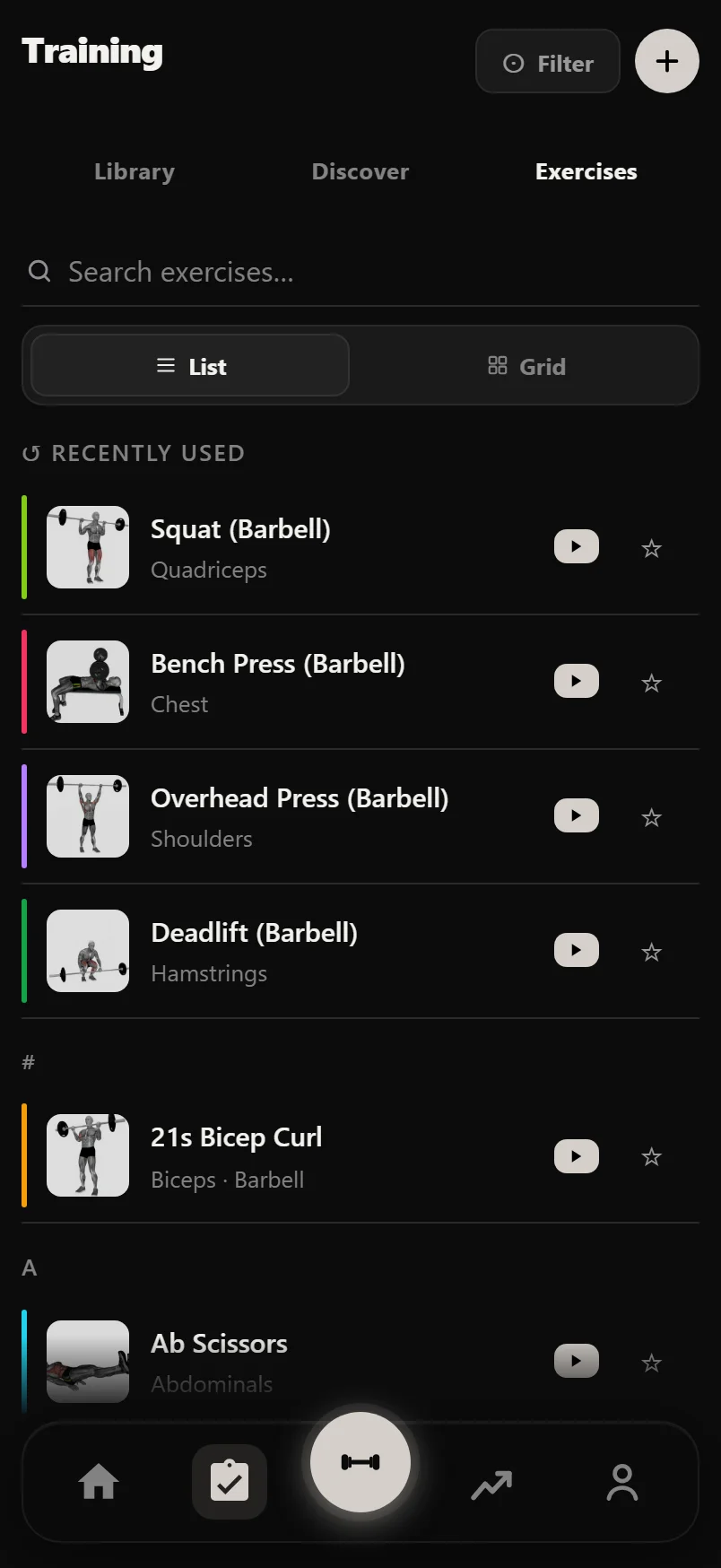 The exercise library
Every exercise with a how-to video and form tips, your records and full history, plus exercises of your own.
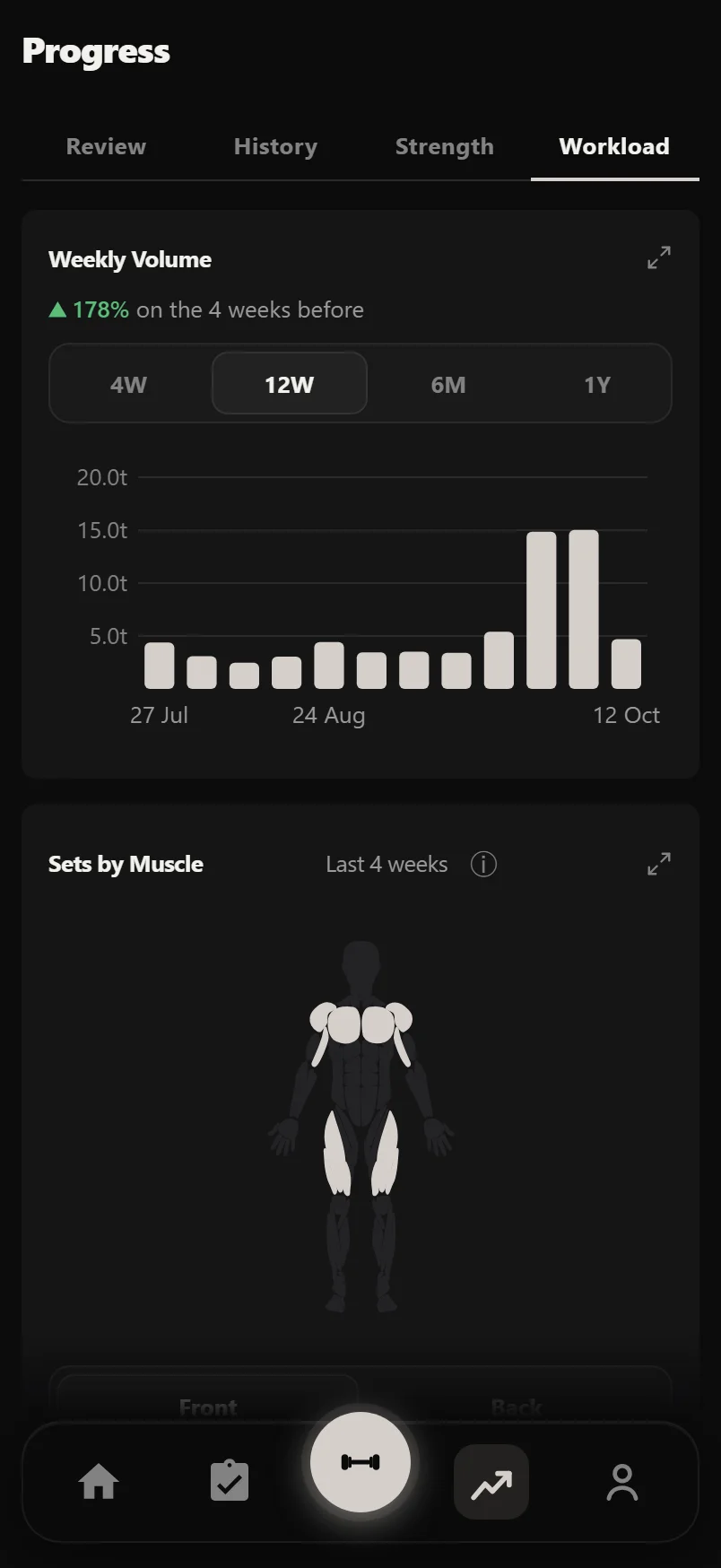 Tracking your progress
The Progress tab, your training calendar, each session's page and the PR Board: what your logged sets turn into.
 Goals
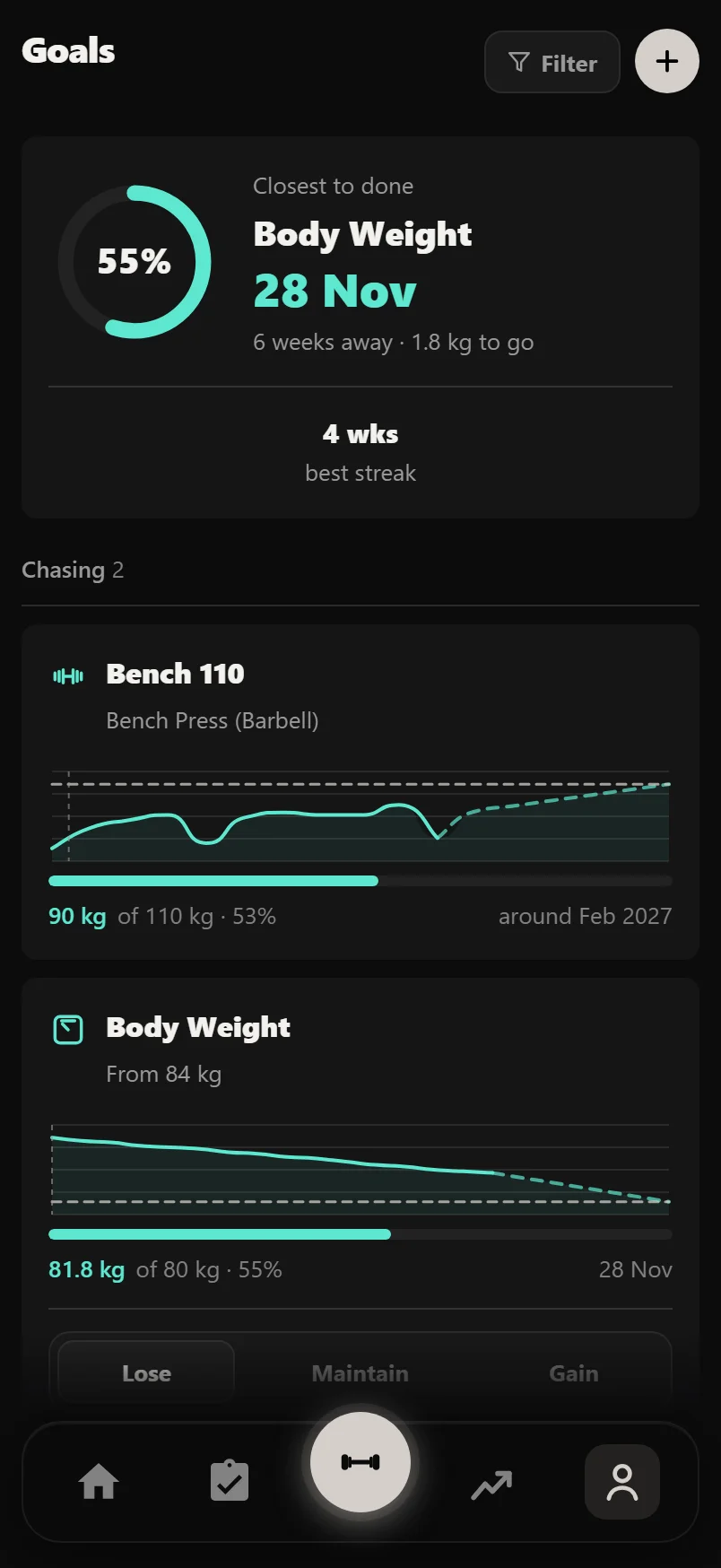
Goals
Set a target for a lift or your weight, or a habit like four workouts a week, and see when you should get there.
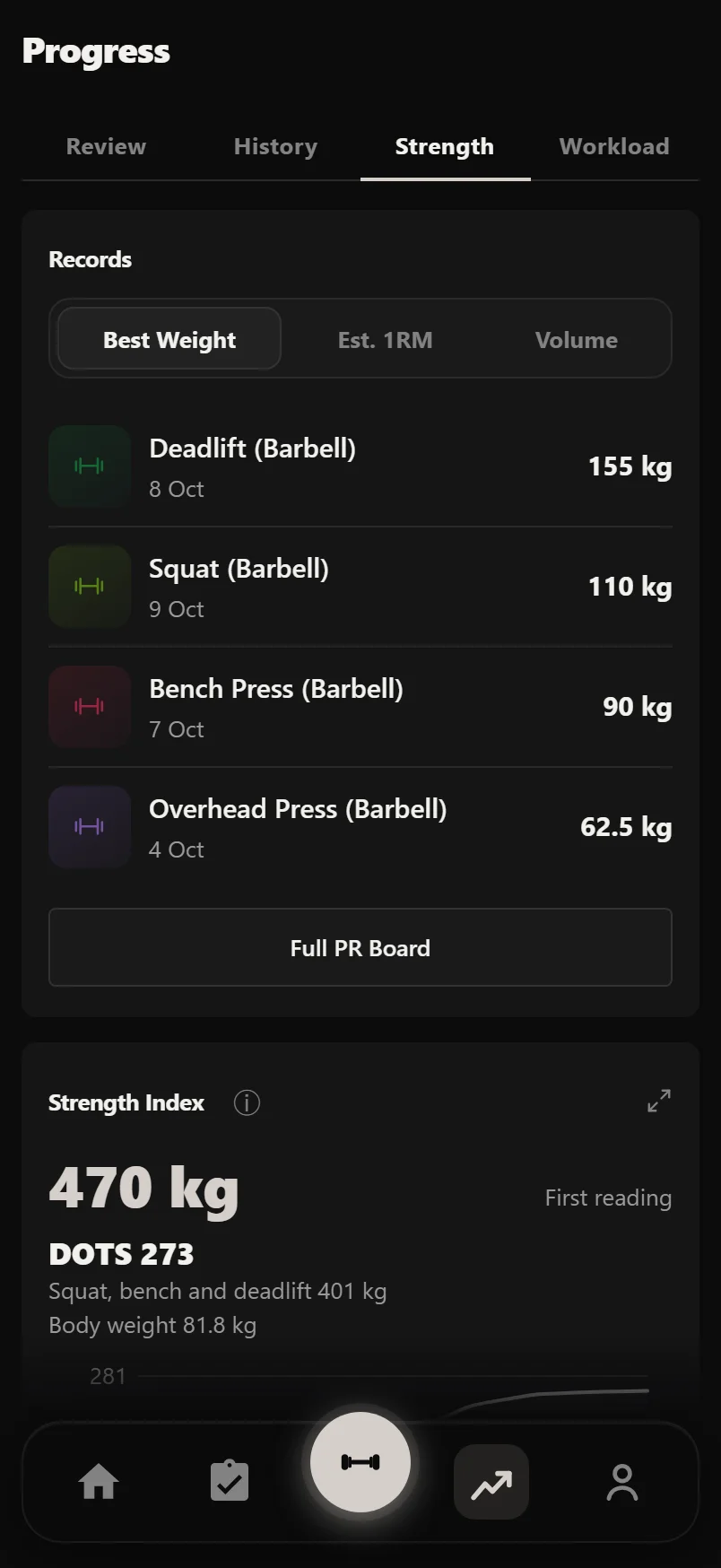 Strength levels, balance and recovery
What your numbers say: how strong you are for your weight, whether your training is balanced, and when to ease off.
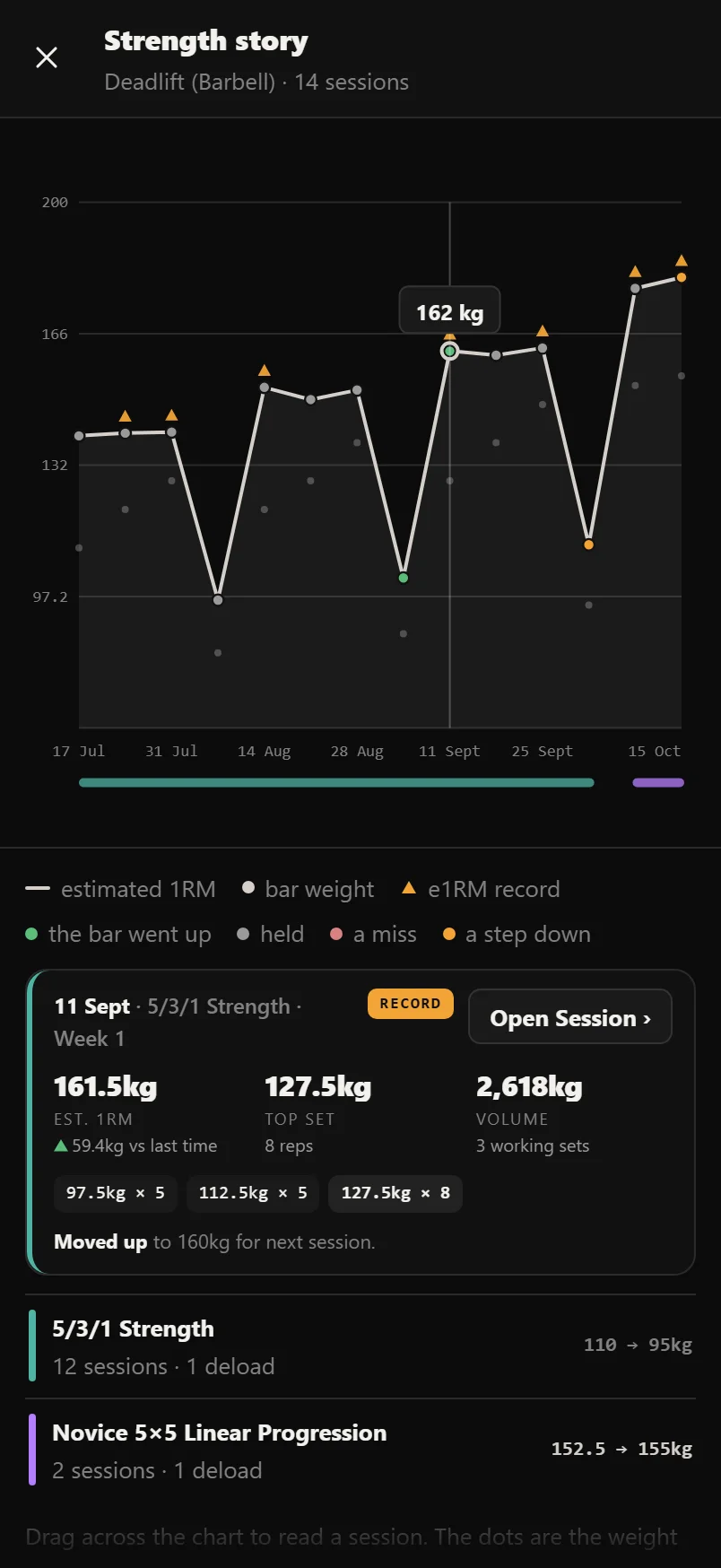 The Strength story: the full history of one lift
A fullscreen chart of one lift: estimated 1RM over the weight on the bar, the engine's verdicts, the programs you ran, and a dock you drag to read any session.
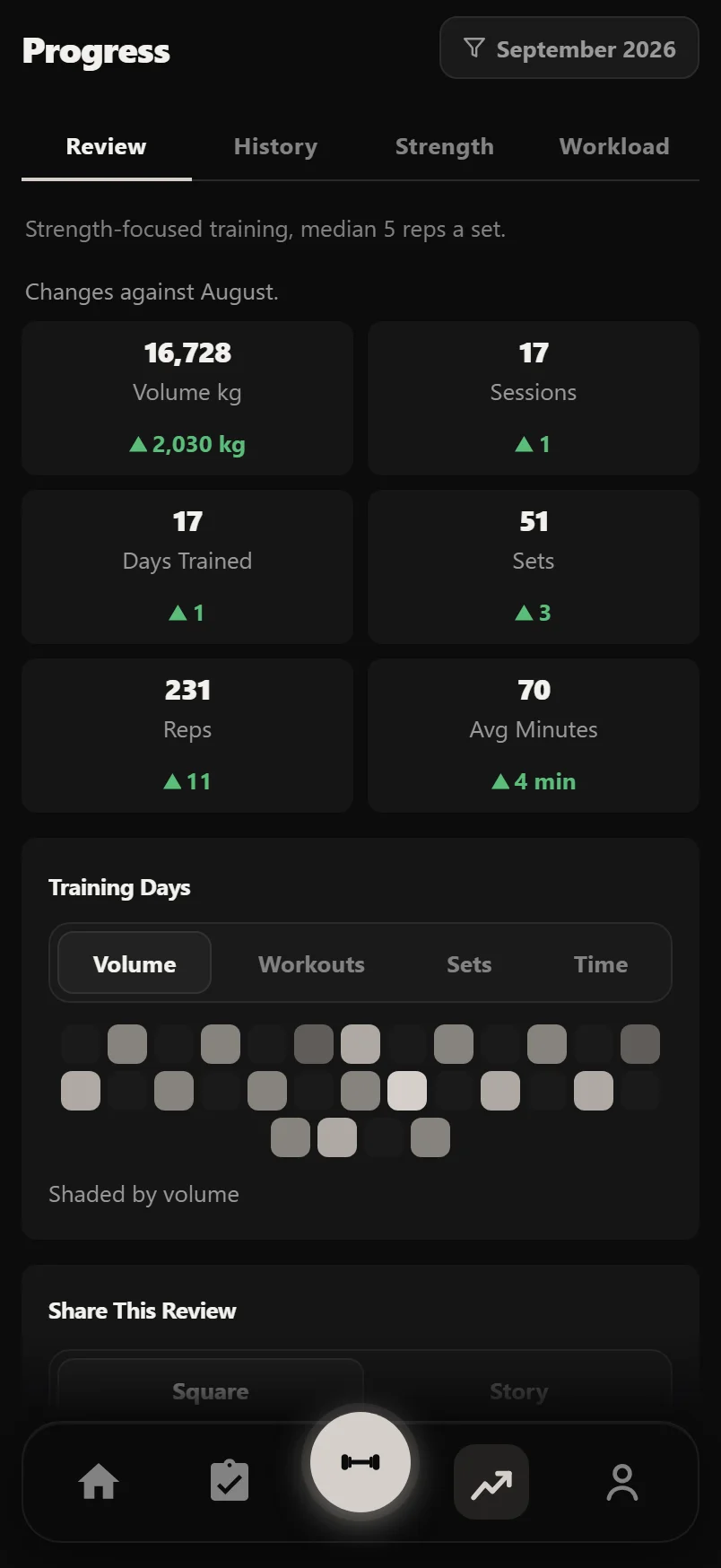 Review
A full report on any month or year you trained: your figures against the period before, every record, your lifts' e1RM change, and cards to share.
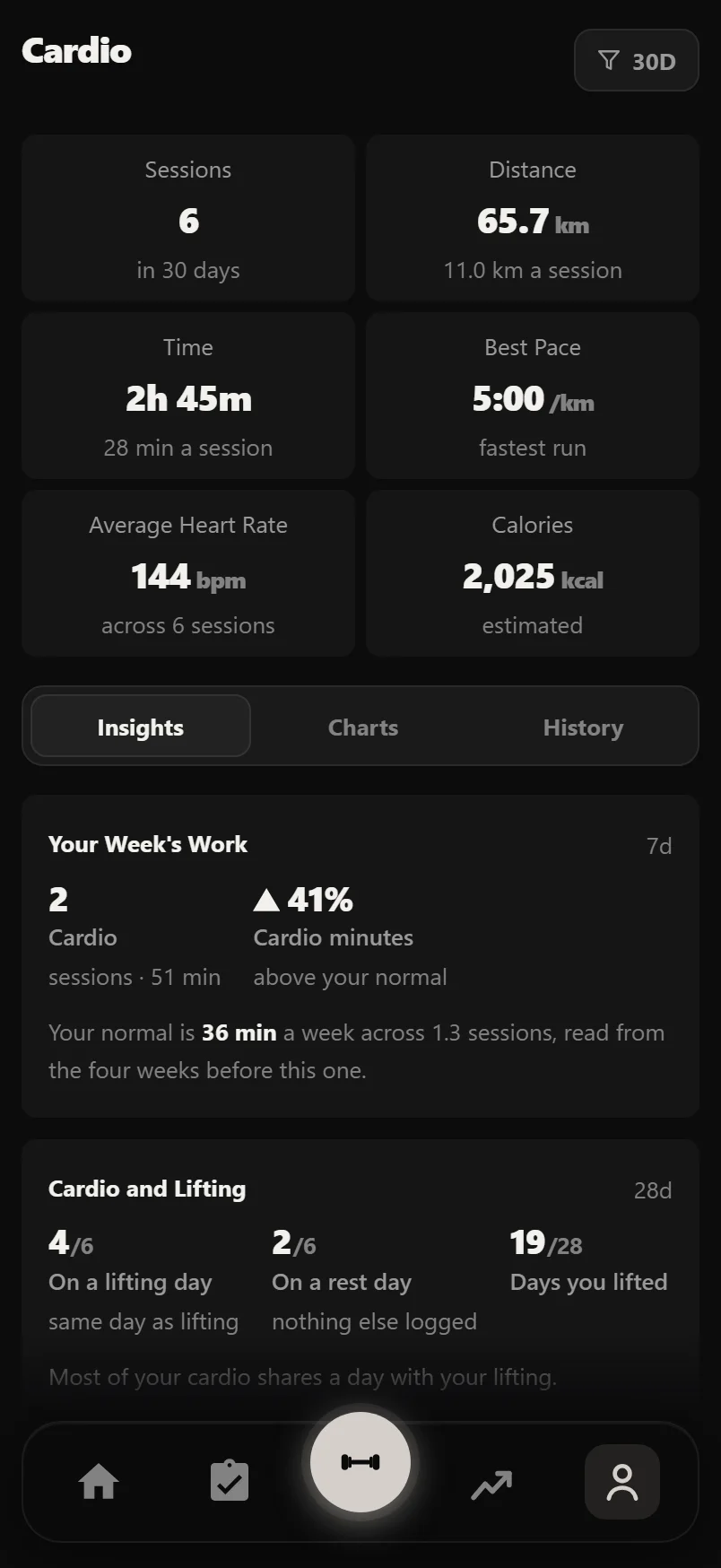 Cardio and HIIT
Cardio that fills itself in from your workouts and your phone, a timer in the logger, and HIIT intervals that run themselves.
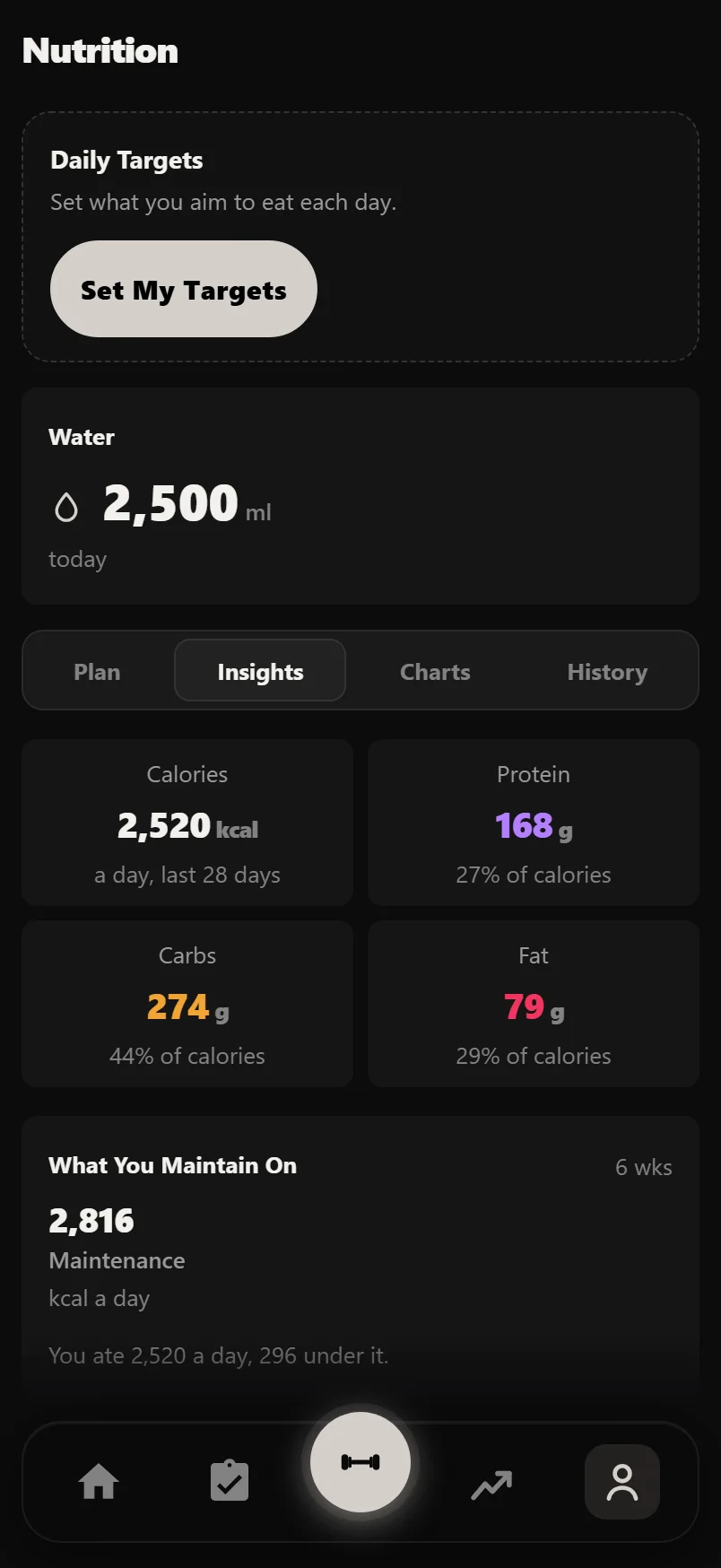 Nutrition
Calories, macros and water from the food app you already use, targets for training and rest days, and what you really maintain on.
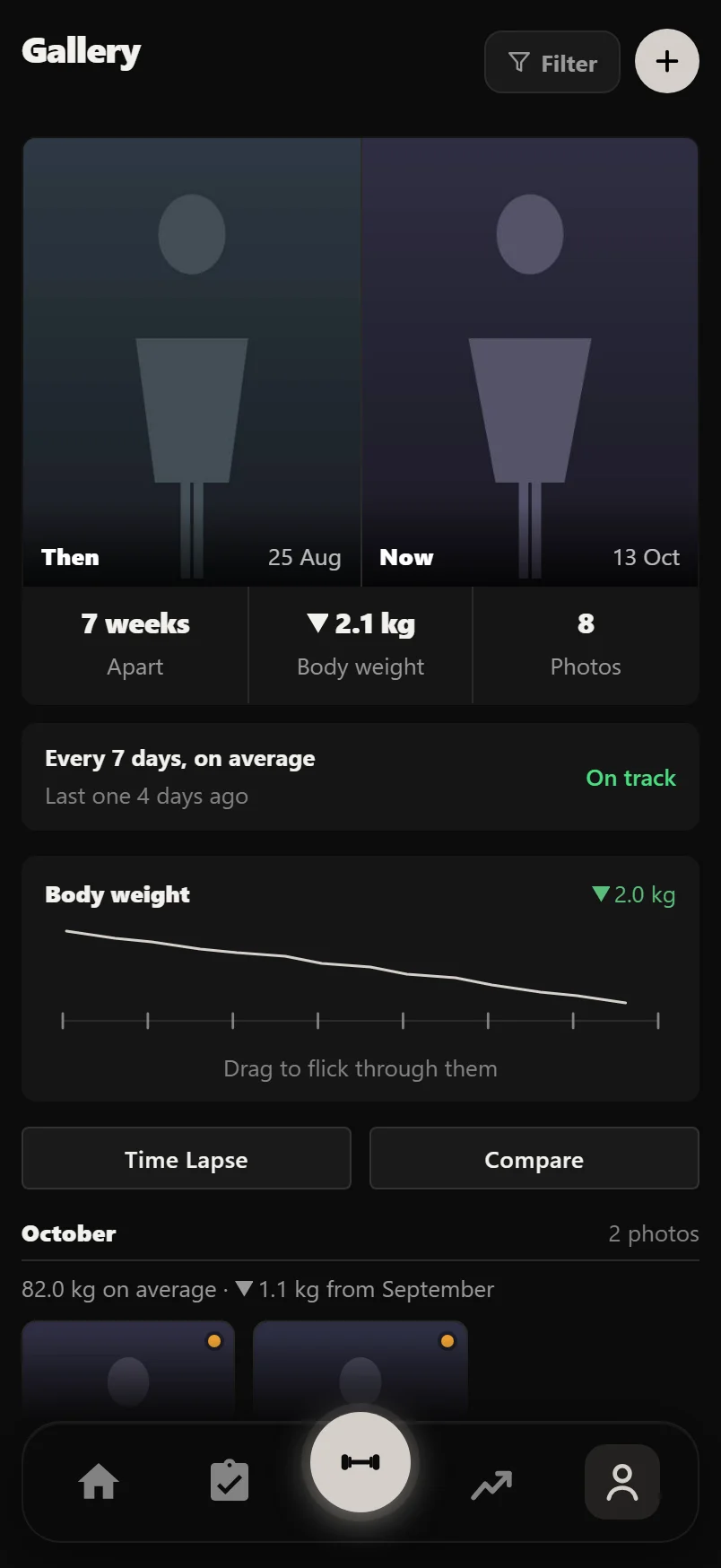 Body and progress photos
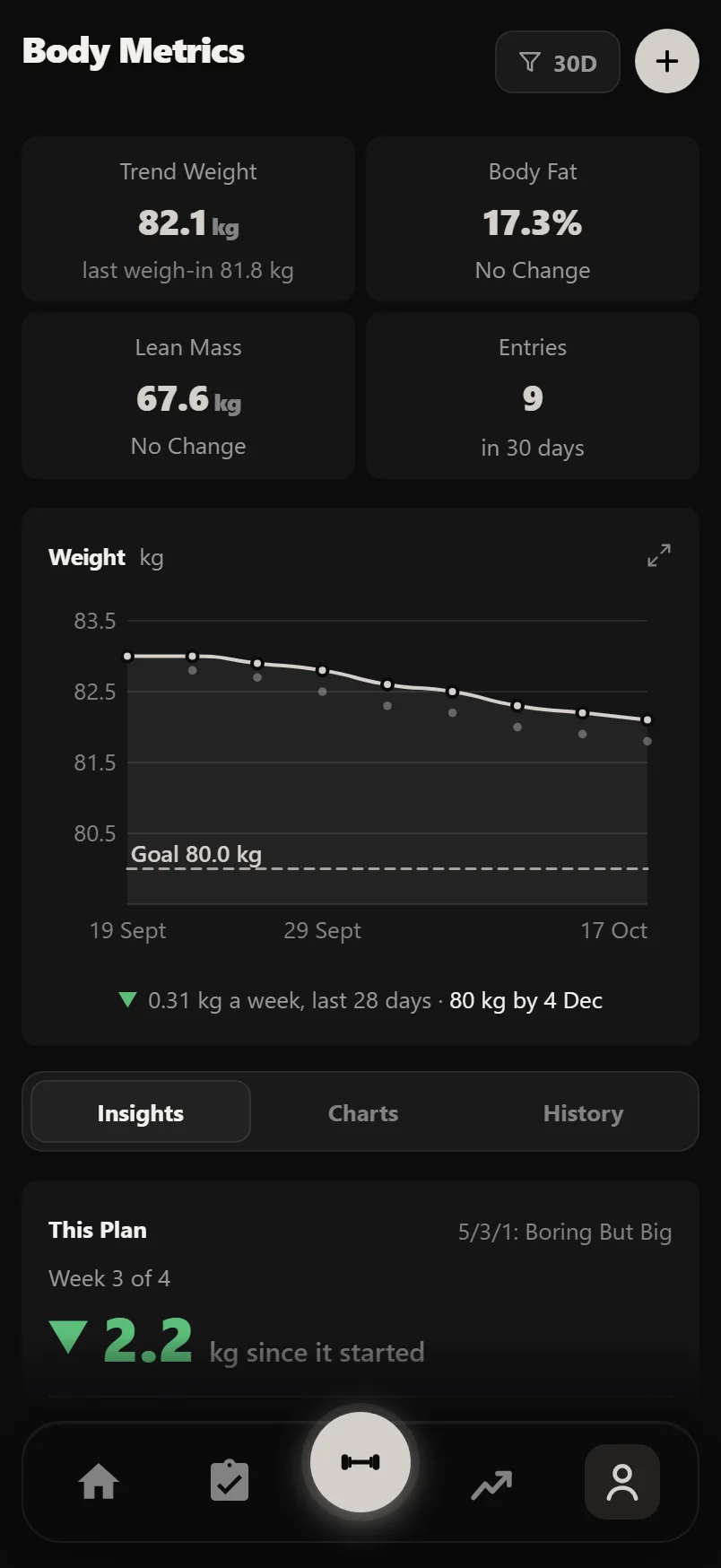
Weight, body fat and measurements with a trend line, progress photos side by side, and a time lapse of your change.
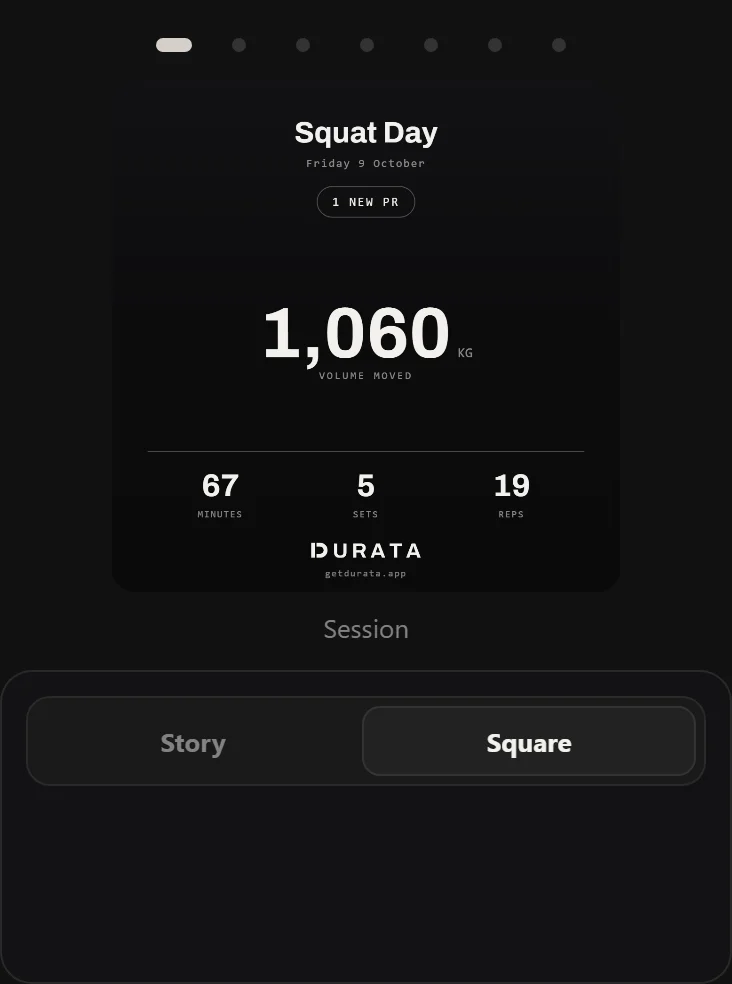 Share cards
Workout summaries, PR certificates, program and goal cards, monthly recaps, progress-photo and compare cards, and time-lapse video, all built on your device from your real numbers.
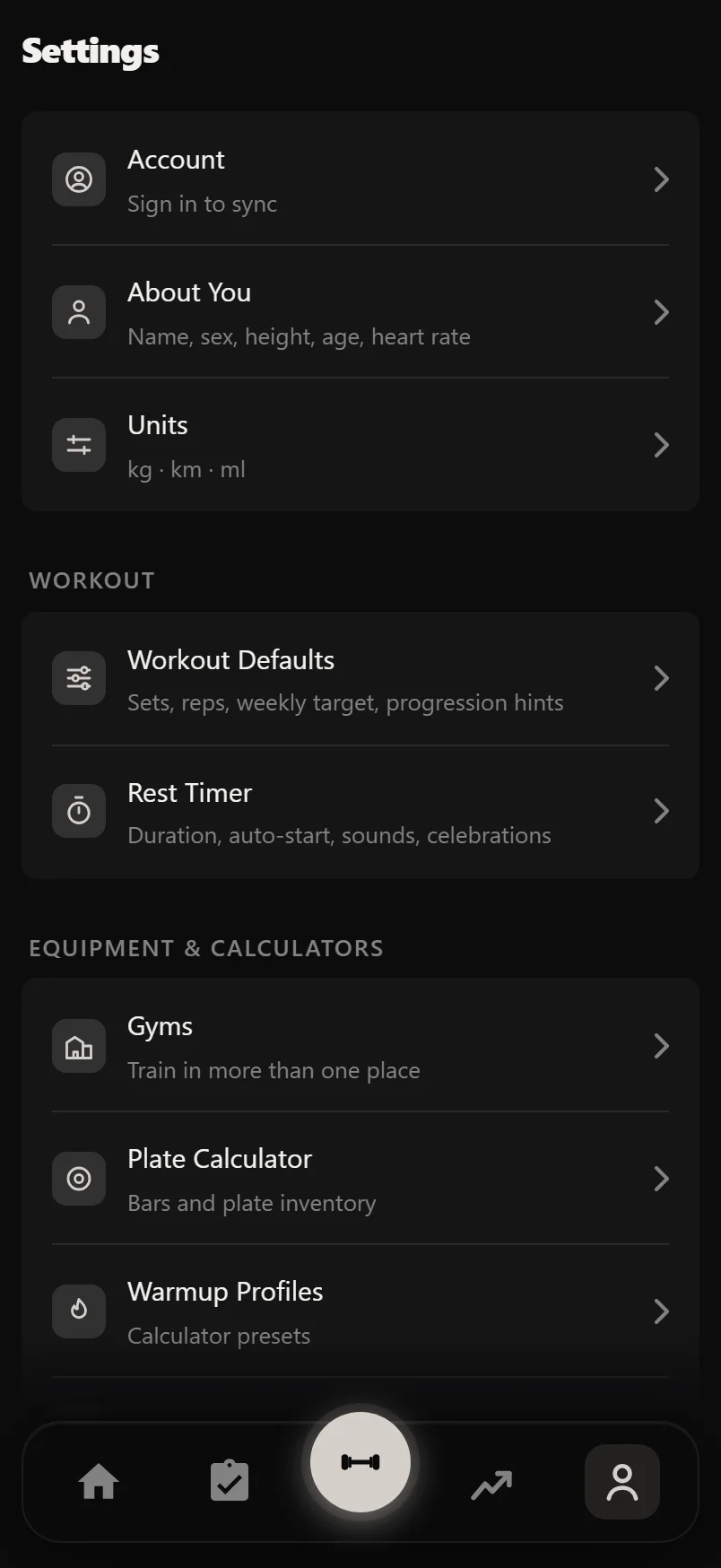 Settings, sync and your data
Units, rest timer, plate calculator, CSV import/export, cloud sync, Apple Health & Health Connect, Wear OS and Pro, all in one place.
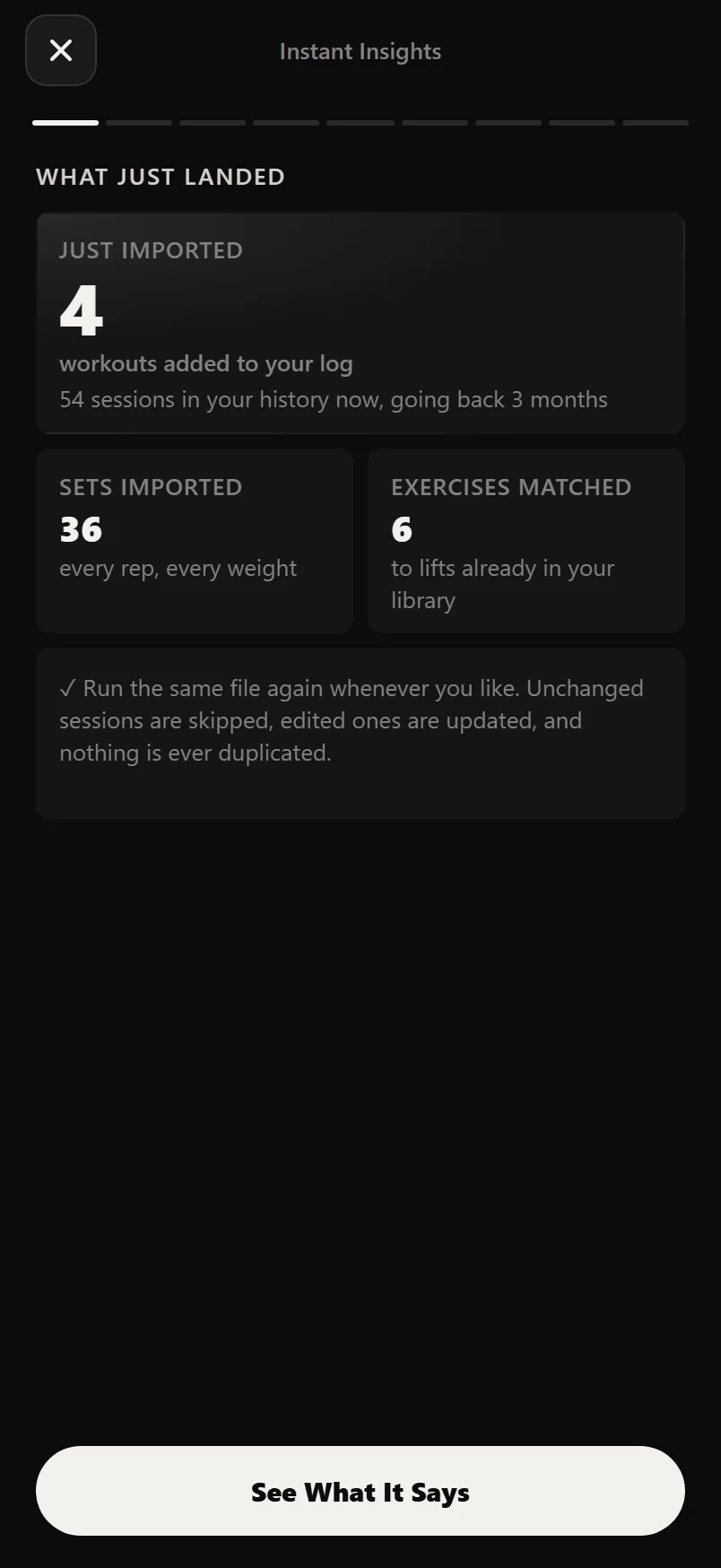
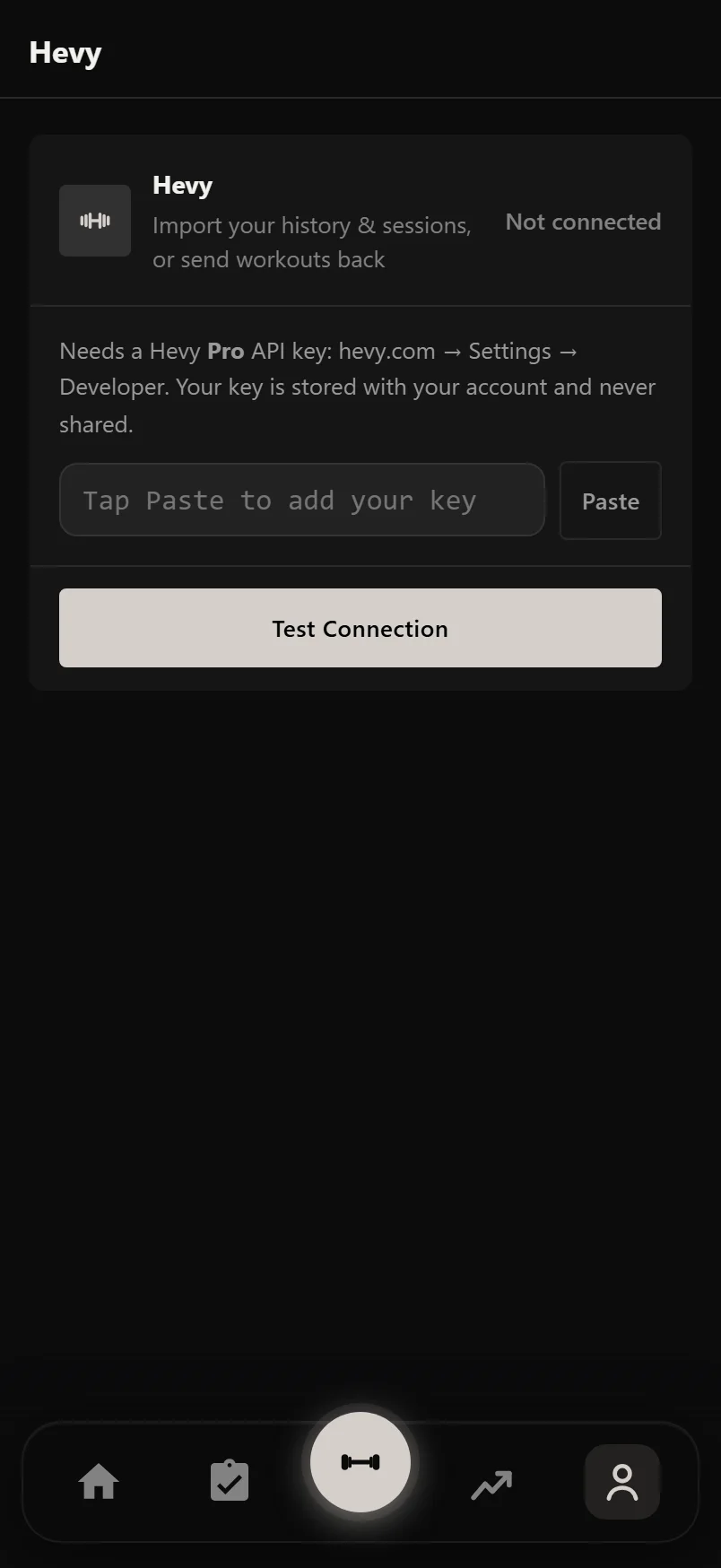 Switching from Hevy
Bring your Hevy history and routines across by API key or CSV file, run it again with no duplicates, and send workouts back if you want to.
 Switching from Strong
Bring every Strong workout across with its CSV export, free, and get your regular workouts back as sessions you can start.
Pro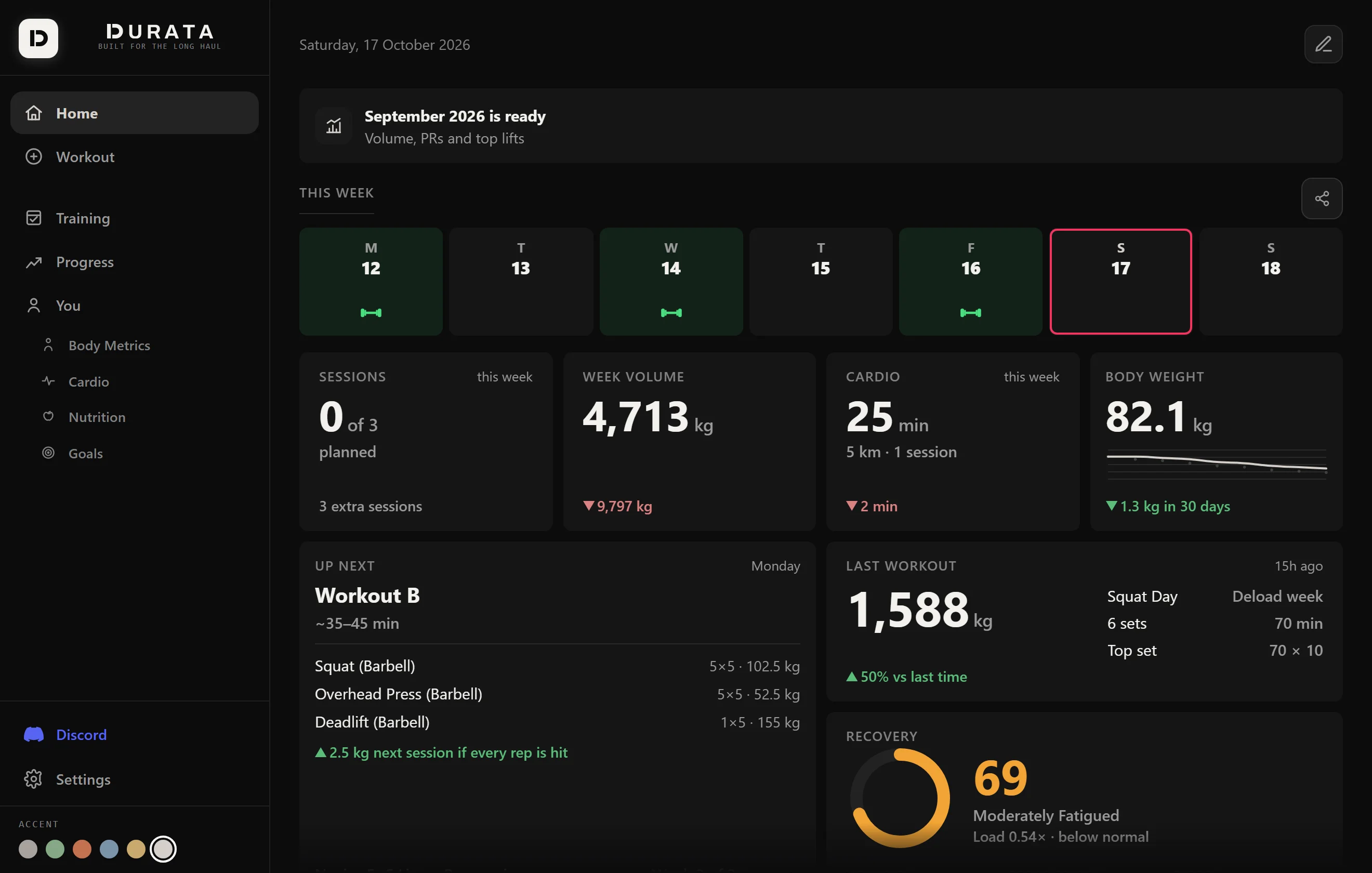 The web dashboard
Durata in a desktop browser: same account, synced both ways. Train on your phone, review and plan on a big screen.
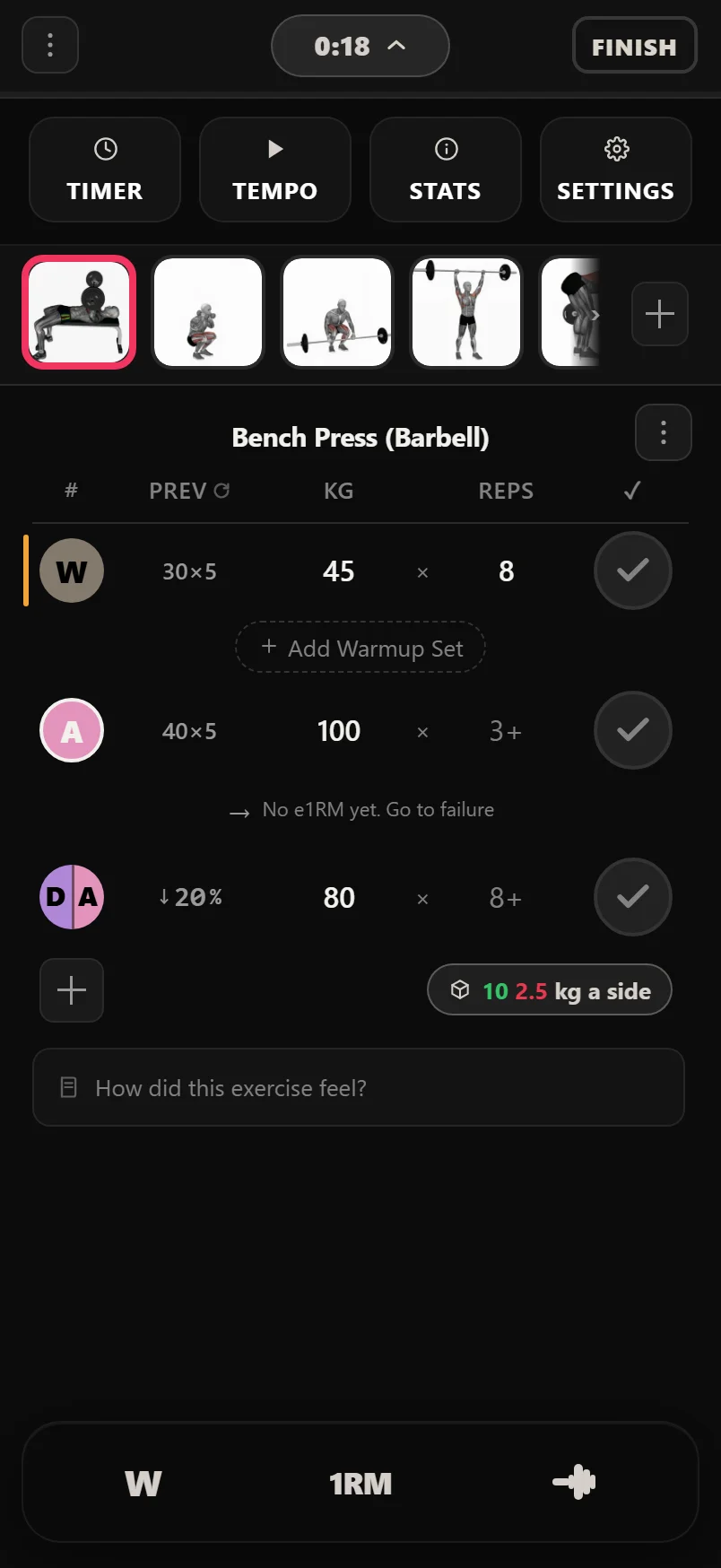 Hidden features and shortcuts
The long-presses, swipes and auto-behaviours that make Durata fast once you know they exist.
New to lifting?
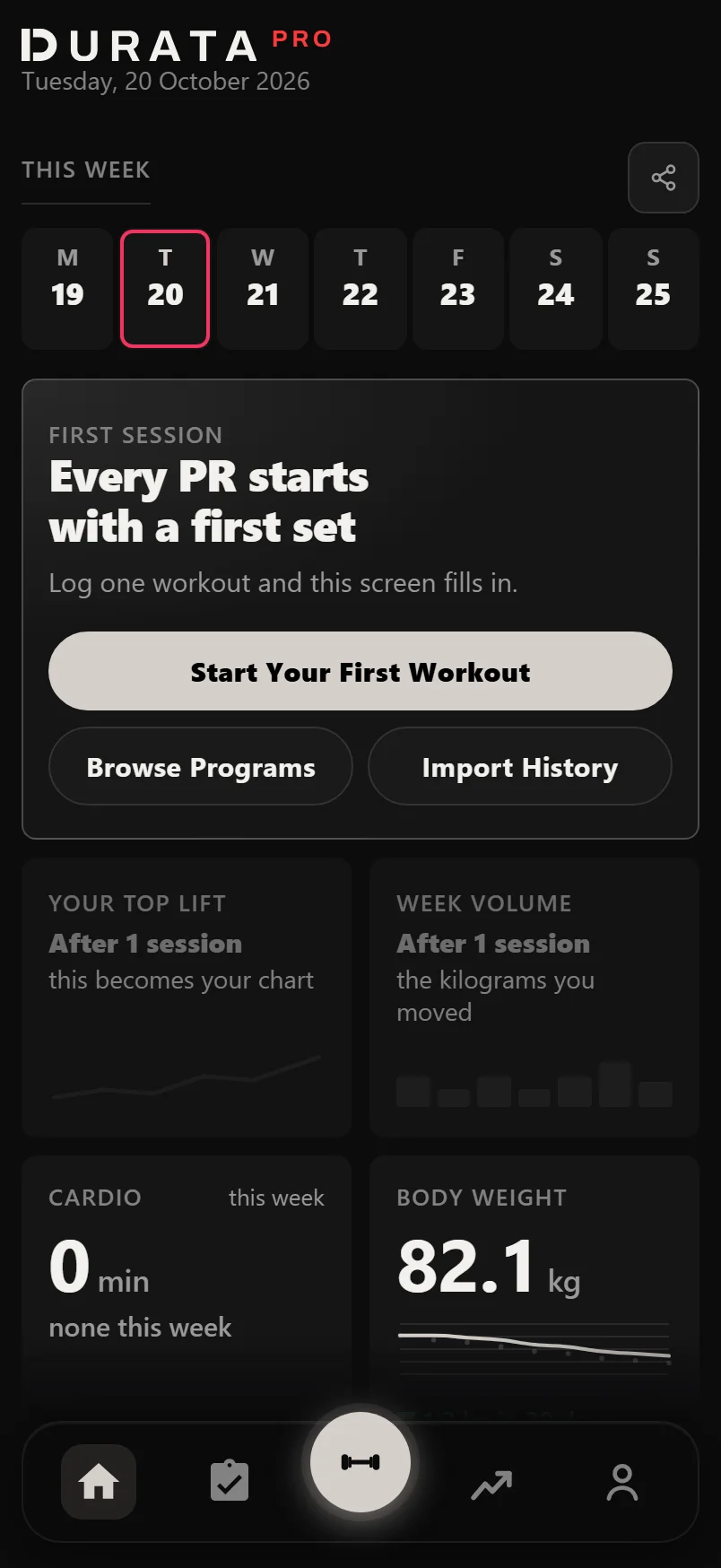 How to start lifting weights
Your first gym session, explained: warming up, picking weights, sets and reps, and how to actually get stronger.
How to choose a workout program
Match a program to your schedule, experience and goal, then stop second-guessing it. The one you'll stick to wins.
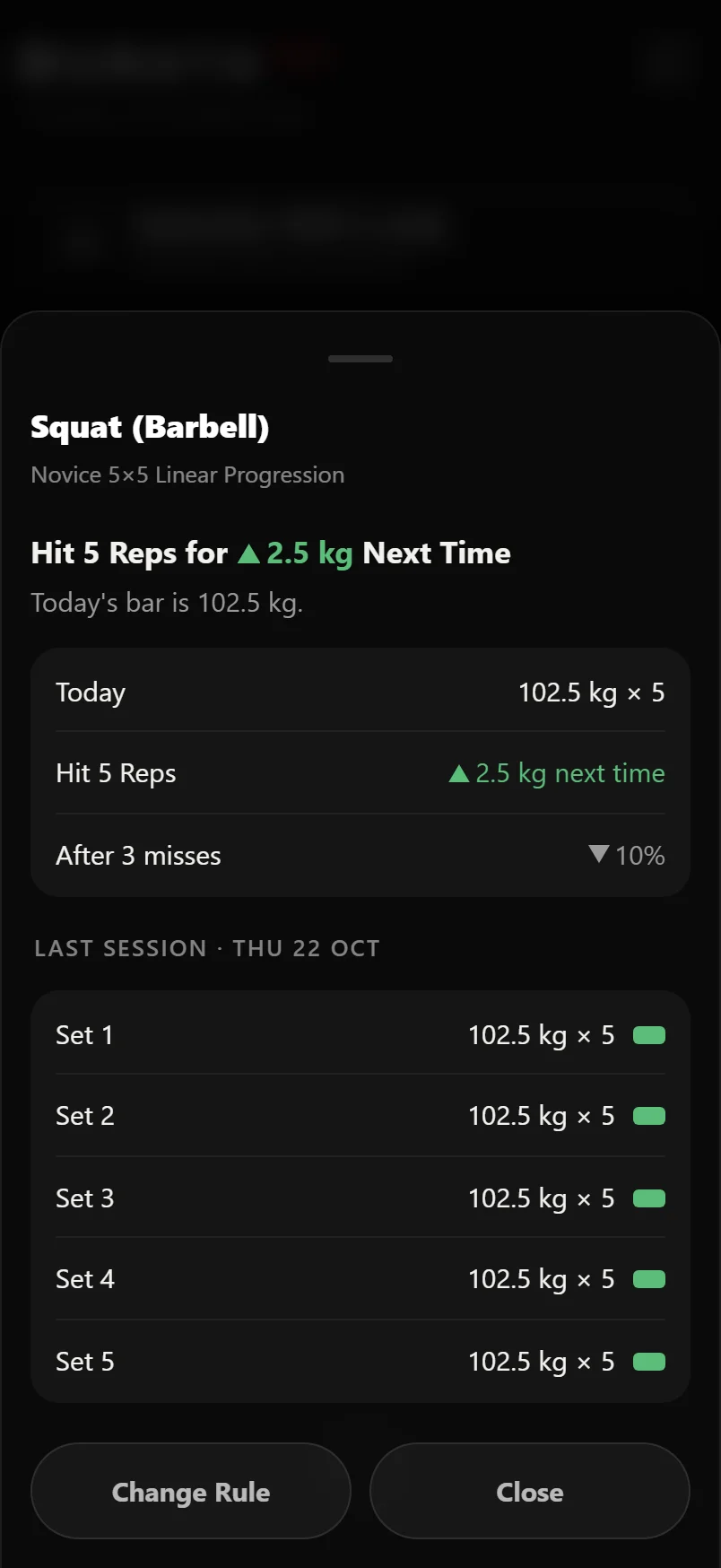 How progressive overload works
The single principle behind every strength and size gain: what it is, the ways to do it, and how to keep it going without stalling.
Sets and reps: how many should you do?
What the rep ranges mean, how many sets you need in a week, and how to pick numbers for strength or size.
How long to rest between sets
How long to actually wait between sets for strength versus size, and why rushing your rest quietly costs you gains.
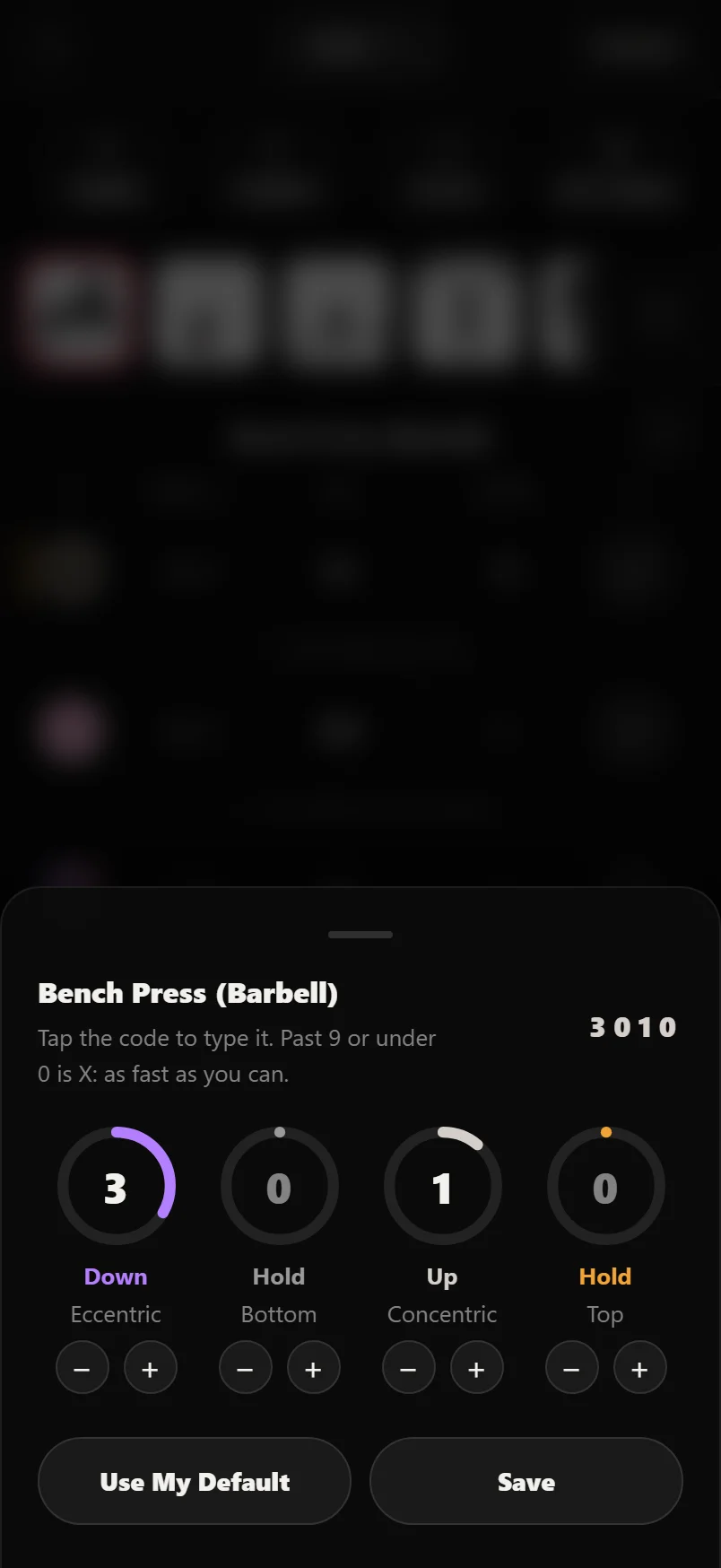 Rep tempo: does it matter?
What 3010 actually means, when slowing your reps helps, and when tempo is a distraction from adding weight.
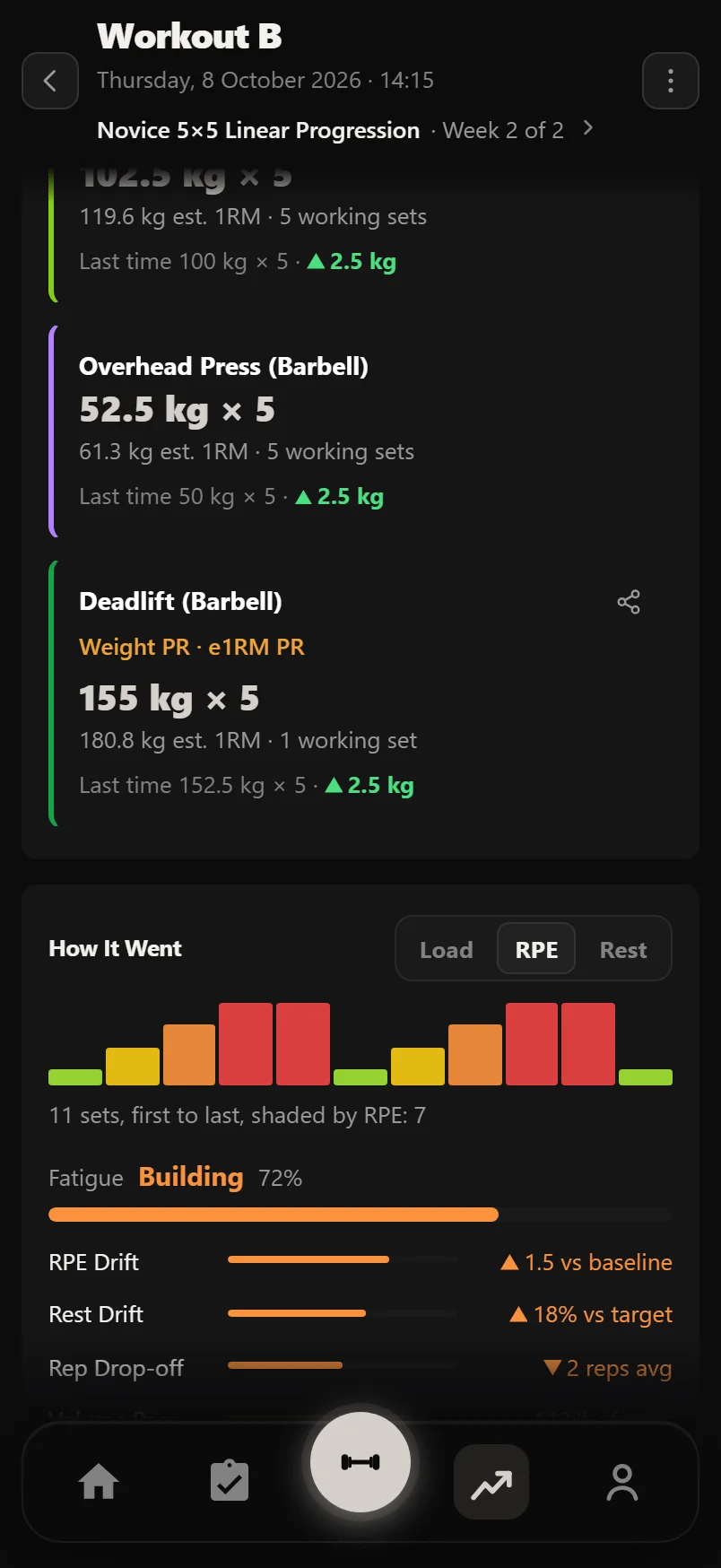 RPE and RIR explained
How to measure how hard a set really was: the reps-in-reserve scale, what the numbers mean, and how to use them to train smart.
Linear vs double progression
Add weight every session, or add reps first and weight second: how the two simplest ways to progress work, and when to use each.
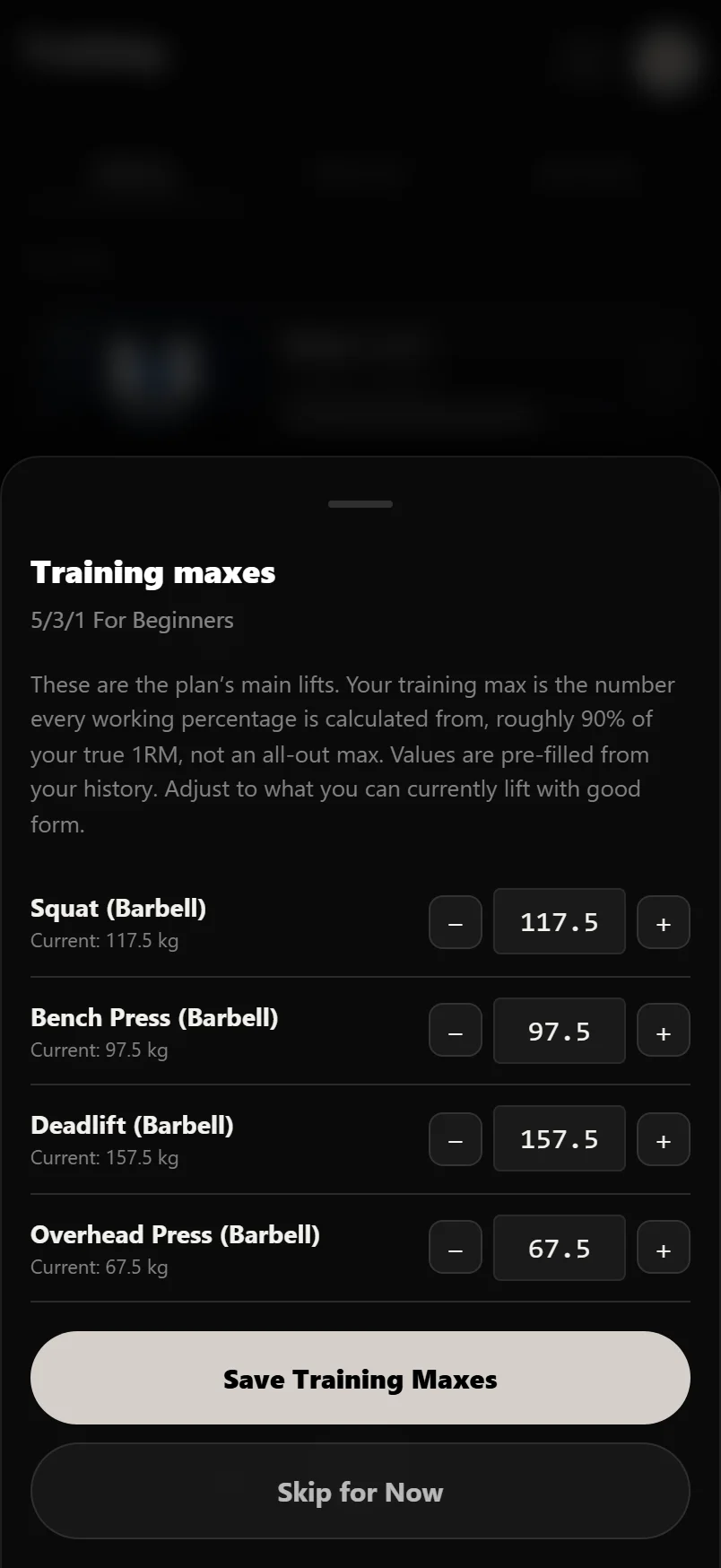 Training max and percentage programs
The number percentage programs set your weights from: what a training max is, how to pick one, and how it goes up.
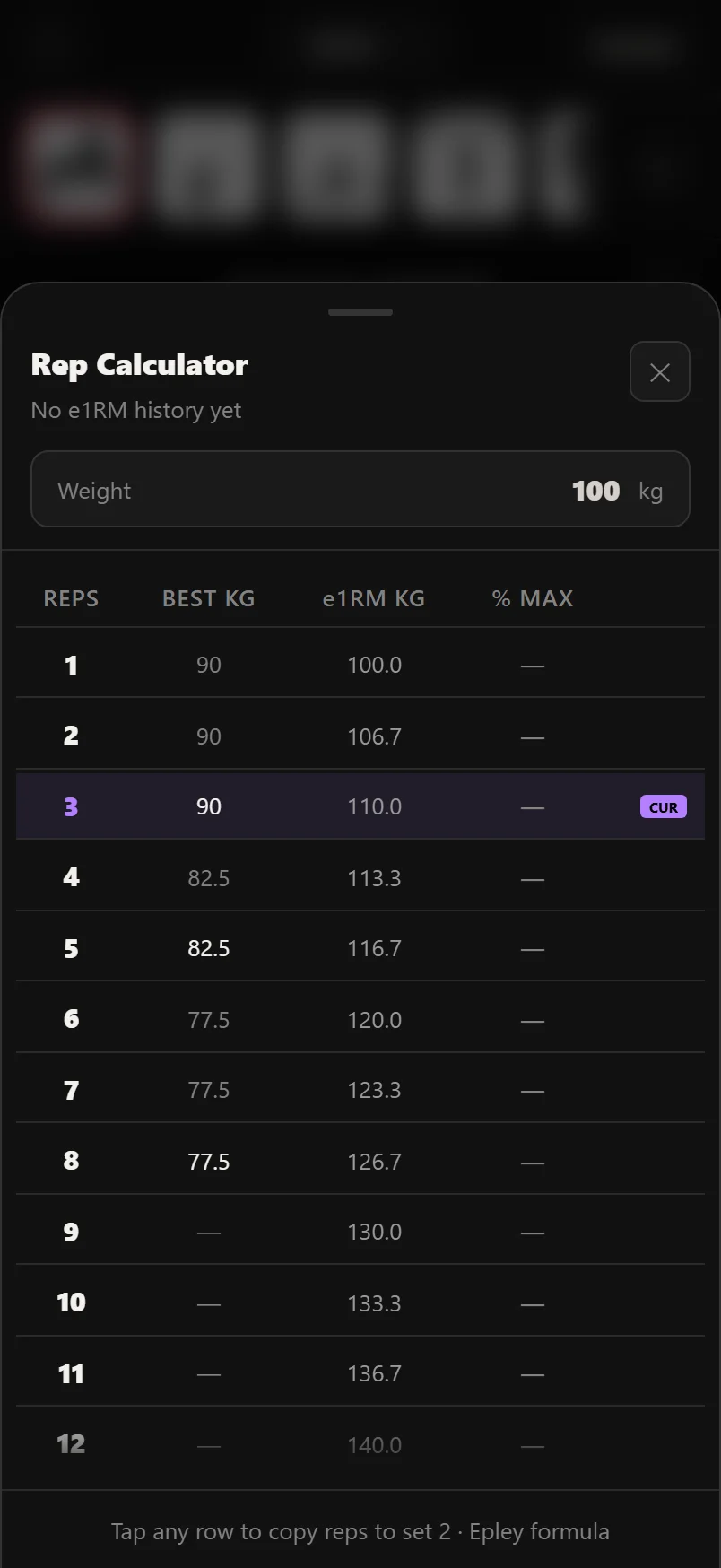 Estimating your one-rep max
Work out the most you could lift once from any heavy set, how far to trust the number, and why you rarely need to test it.
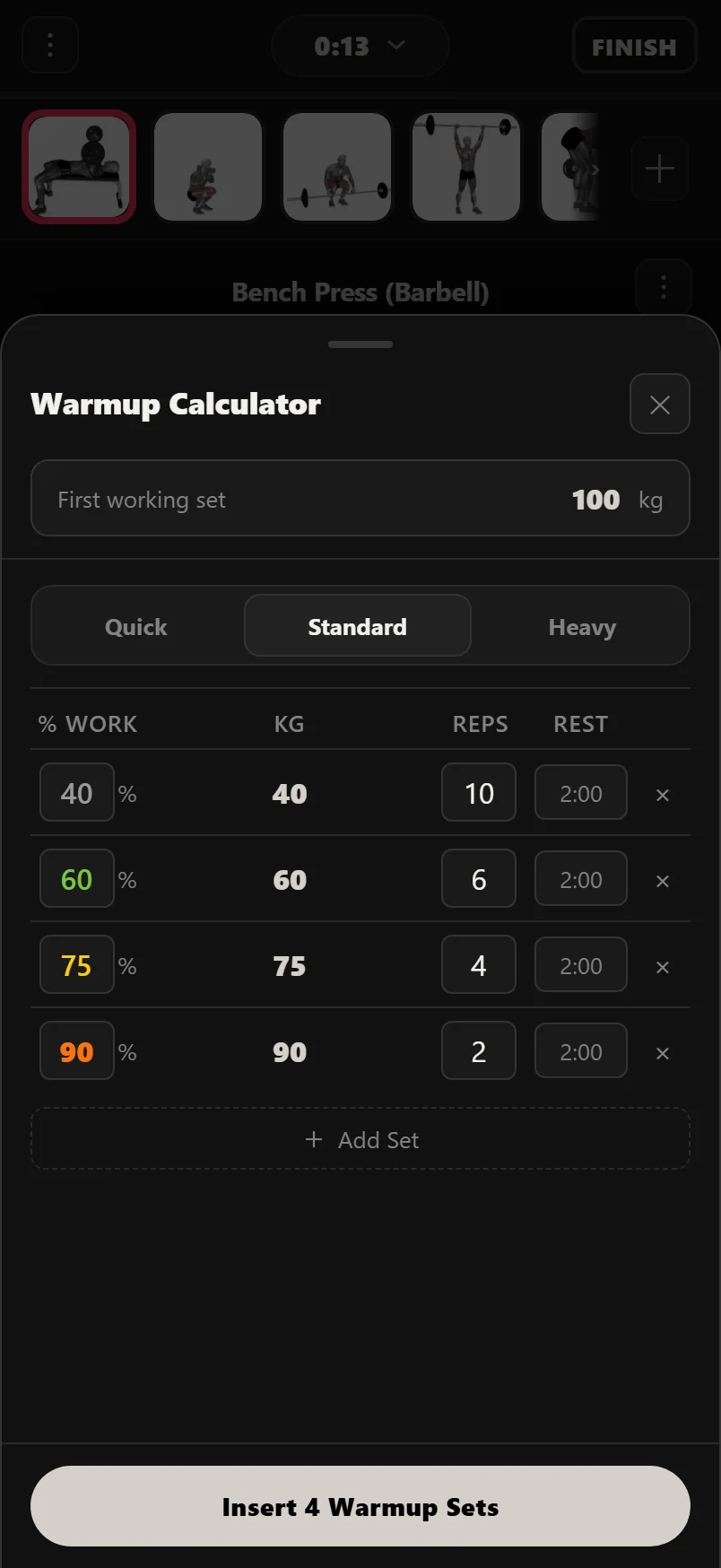 Warmup sets: how to warm up for heavy lifts
A few lighter sets that build up to your working weight: how many to do, how heavy, and how many reps.
Dropsets, Rest Pause, Myo Reps and Cluster sets
Four ways to get more out of a set: what Dropsets, Rest Pause, Myo Reps and Cluster sets are, and when each one helps.
Supersets and circuits
Two or more exercises back to back with rest only at the end: how to pair them well and save time.
Deloads: when and how to take a lighter week
A planned lighter week that lets tiredness clear so you come back stronger: when to take one and how light to go.
Breaking a plateau
Stuck at the same weight for weeks? How to tell a real plateau from a bad week, and what to change to get moving again.
How much protein do you actually need?
The simple number for building muscle, how to hit it from real food, and why timing matters far less than the daily total.
 How to set up your diet for your goals
Fat loss, muscle gain or maintenance: how to set your calories and protein, then adjust by what the scale actually does.
Calorie calculator
Estimate your maintenance calories and a daily target for fat loss, muscle gain or maintenance, with a protein target to match.
Gym terms, explained
AMRAP, RPE, Dropsets, training max: every lifting term you'll hear or see in an app, in plain English.
Train with Durata
Free to use — 50 proven programs, 560 exercises (499 with how-to videos), automatic progression and PR tracking.