


When a week, cycle or plan ends
A plan has edges: the end of each week, the end of a cycle on a plan that repeats, and the end of the whole thing. Durata stops at each one to move you on, check your numbers, and show what the block did.
This guide goes through them in order, from the end of a week to the end of a program.
Last reviewed 2026-10-20 · matches app v1.1.1.105
The end of a week
When you log the last session of a plan week, Week Complete comes up with the week's numbers and a card you can share.
On a plan longer than one week, it asks Yes, start Week 2 (or whichever week is next), or Stay on Week 1. Stay on the week if you missed a session and want to make it up before moving on. A one-week plan just says Continue.
A week is complete when every session in it is logged or skipped. A skip only excuses the week it was made in.
The end of a cycle: your training maxes
A plan that repeats, such as a 4-week 5/3/1 wave, starts again from week 1 when the last week is done. That is one cycle. Before the next one starts, Durata shows Cycle complete: Review your training maxes.
Each lift run off a training max is listed with its current number and ± buttons that step by your plates. Where the program raises the training max at the end of a cycle, and you earned it, the new number is already filled in.
Apply Training Maxes saves them, and the next cycle's weights are worked out from them. Skip keeps the numbers you have.
Not sure what a training max is? It is a working number a little under your real one-rep max, used to set the weights on percentage programs. The Learn the Basics guides explain it.
The end of a plan
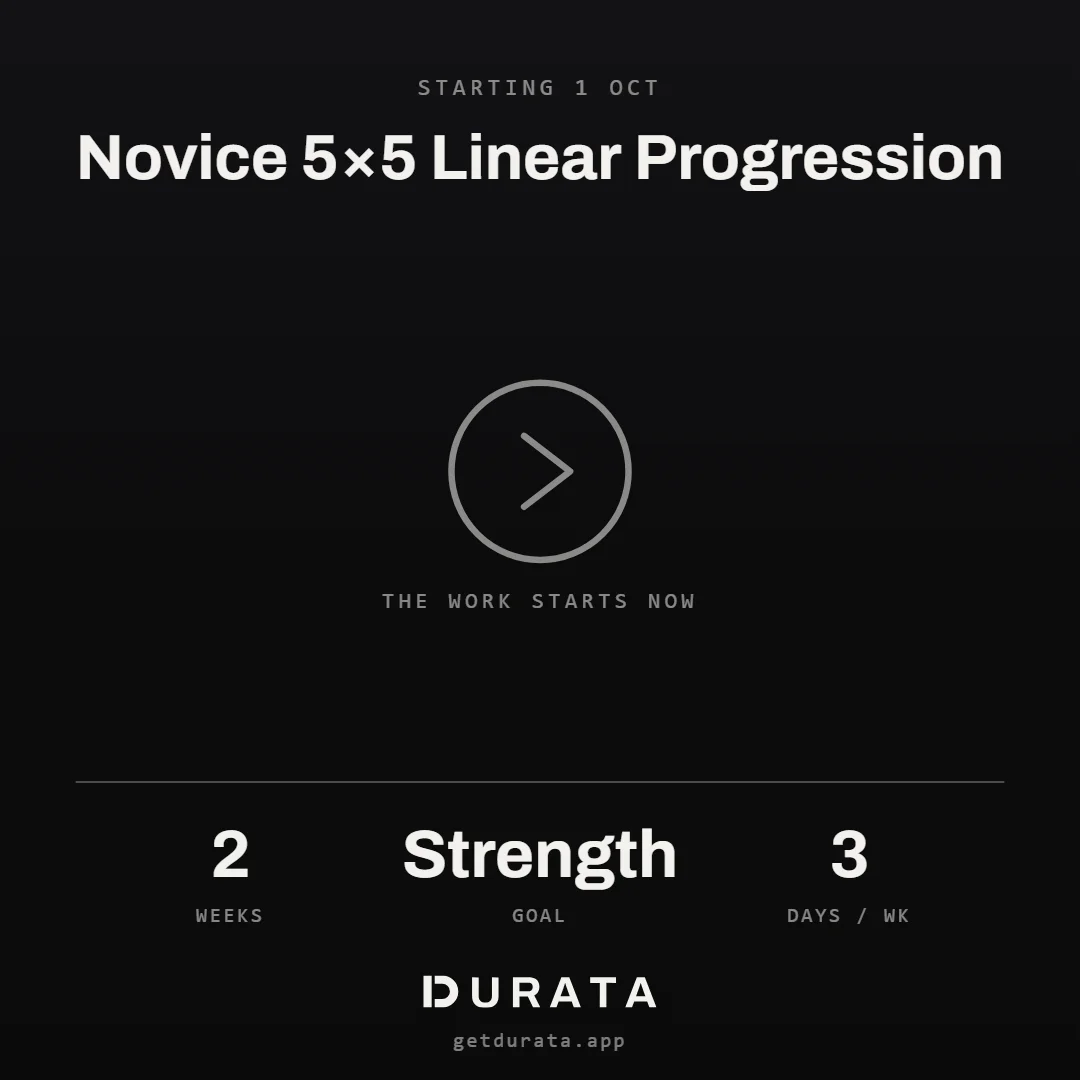
A plan that doesn't repeat finishes after its last week. Plan Complete opens with what the run added up to and cards to share: always the program card, and a top lifts card when your lifts moved.
View Report opens the Report Card. Done closes it. The finished plan leaves your active plans and moves to History, where it keeps its record.
The Report Card
The Report Card is the run in one page. It opens from Plan Complete, from Report Card in the planner's Plan Settings at any point in the run, and from the plan's line on a logged session.
It shows how many of the sessions due you logged, total volume and sets, your training maxes and how each one climbed, every personal record set during the run, and each progressed lift's first and last working weight side by side.
When a program from Discover is finished, What's Next suggests the next step on its track, when the catalogue has one.
Deload weeks and backing off
Some programs build a lighter week in, often the last week of a cycle. On those, the weights for that week are already lighter. You can mark any week of your own plan as a deload too (see The Planner). The mark tells Durata the lighter numbers were planned, so they aren't shown as a drop.
A lift can also back off by itself. On your own plans, a progression rule can have Back off if I stall: after a number of missed sessions in a row, the weight comes down by the percentage you choose, and climbs again from there.
Load & Recovery on Progress, Workload (Pro) says when your recent training suggests a lighter week, from four checks on your volume, effort and rest days.
Common questions
What happens when I finish a program in Durata?
Plan Complete opens with what the run added up to and cards to share. View Report opens the Report Card, and the plan moves to History. A program from Discover may suggest what to run next.
How do I raise my training maxes after a cycle?
At the end of each cycle on a repeating plan, Cycle complete lists your training maxes with ± buttons, with earned increases already filled in. Tap Apply Training Maxes.
What if I missed a session this week?
When Week Complete comes up, tap Stay on Week (it names the week you are on) to make it up, or move on to the next week. Skipped sessions don't follow you into the next week.
Where do I find the Report Card?
In the planner's Plan Settings, from Plan Complete when you finish, and from the plan's line on any session logged in the plan.
Does Durata deload me automatically?
Programs with a deload week built in lighten that week for you. On your own plans, a progression rule with Back off if I stall drops the weight after the misses you set.
Put it into practice
Durata is free to use — 50 proven programs, automatic progression, rest timers and PR tracking, all on your phone.