


Switching from MacroFactor
Durata imports the workouts you logged in MacroFactor's workout tracker from a CSV export: every session with its weights, reps, RIR and set types. They become normal Durata data, so your records, charts and the Previous column in the logger fill in straight away.
MacroFactor cannot import past workouts itself, so a file is the way to bring your history with you. You can import it as often as you like and nothing is added twice.
Last reviewed 2026-11-21 · matches app v1.2
Importing the file
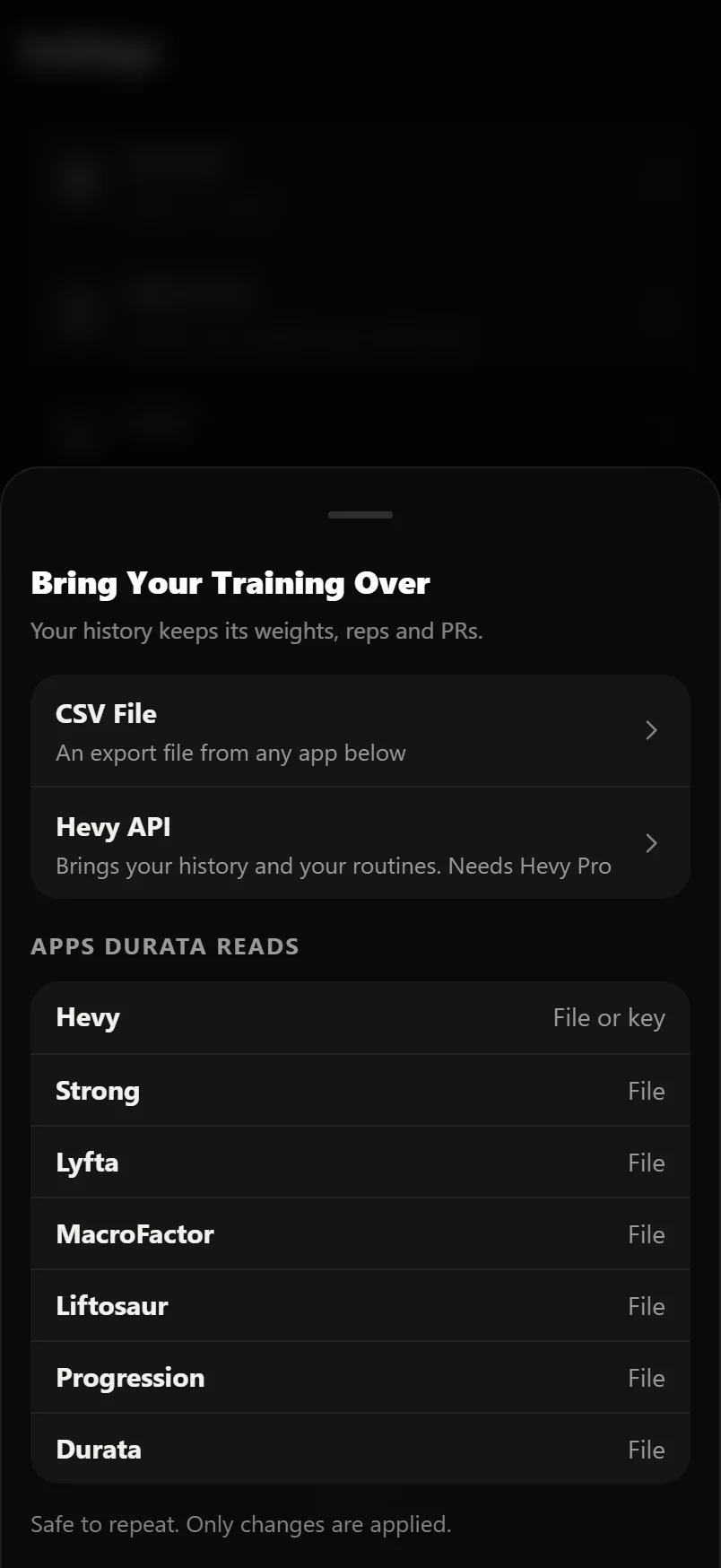
Export your workouts from MacroFactor as a CSV file. In Durata, go to Settings, Data & Export, Bring Your Training Over, choose CSV File and pick the file. Durata works out that it is a MacroFactor file from its columns, and reads the unit from them too, so it does not need to ask.
Before anything is saved, any exercise names Durata cannot place are listed for you to check: keep one as its own exercise, or search the library for the right one. Your choices are remembered for the next MacroFactor import.
The same import is on a new account's Home screen, on the Coming From Another App? card, under Import History.
What comes across
Each workout keeps its name, date and length, and each exercise its sets, weights, reps and RIR. MacroFactor's file has no time of day, so each workout is placed at midday, with two workouts on the same day kept apart.
Warm-up sets stay warm-ups, and a failure set comes in as an AMRAP set. A myo set's first set comes in as a normal set and its mini-sets as rest-pause sets. In a drop set, the top set is a normal set and each drop after it is a drop set.
Dumbbell weights that MacroFactor records as the total of two dumbbells are halved, so they read per hand as Durata logs them. Lifts done with one dumbbell are left as they are. An assisted lift's assistance comes in as a positive number. Cardio distance and time come across, and a session with distance or time also shows as a cardio record.
MacroFactor's supersets are not kept as supersets, and notes are not imported. Exercise names are matched with a list of MacroFactor's lifts checked by hand, and grip words and equipment are moved into Durata's own naming. A lift Durata cannot place keeps MacroFactor's name as a custom exercise.
Running it again, and what happens next
Each workout is recognised from its date, name and length, so importing a newer export skips what you already have and adds the rest. A workout on the same day and with the same name as one you logged in Durata by hand is skipped, not overwritten.
When an import adds workouts, the Instant Insights reel opens: what just landed, then your totals, records and trends. Its last screen offers to rebuild the workouts you repeated as Durata sessions and to group them into a weekly plan.
On an account with no workouts yet, Durata takes the unit of your MacroFactor log. Once you have training of your own, imports are converted into your Settings unit.
Common questions
Does MacroFactor connect to Durata by key?
No. Export a CSV file from MacroFactor and import it in Durata under Settings, Data & Export, Bring Your Training Over.
Is my RIR kept?
Yes. RIR comes across with each set, along with warm-up, failure, myo and drop set types.
Why are some dumbbell weights halved?
Where MacroFactor records the total of two dumbbells, Durata halves it so the weight reads per hand, the way Durata logs dumbbells. One-dumbbell lifts are left as they are.
Will importing twice duplicate my workouts?
No. Each workout is recognised, so a newer export only adds what is new.
Are my MacroFactor routines imported?
No, only workouts. After the import, Durata can rebuild the workouts you repeated as sessions and group them into a weekly plan.
Put it into practice
Durata is free to use — 84 proven programs, automatic progression, rest timers and PR tracking, all on your phone.